安装
npx -y @deepseek-ai/dsh plugin --profile web add github:a903067276-rgb/dsh-file-mentions此安装命令根据 GitHub 仓库地址生成,是未经验证的安装起点。
README
维护者编写的文档快照。
dsh-file-mentions 📎

Clickable file paths in DSH replies — a DeepSeek Harness (DSH) web plugin with a Codex-style experience.
Unofficial project: independently developed and maintained by a community member, not an official DeepSeek product.
Screenshot
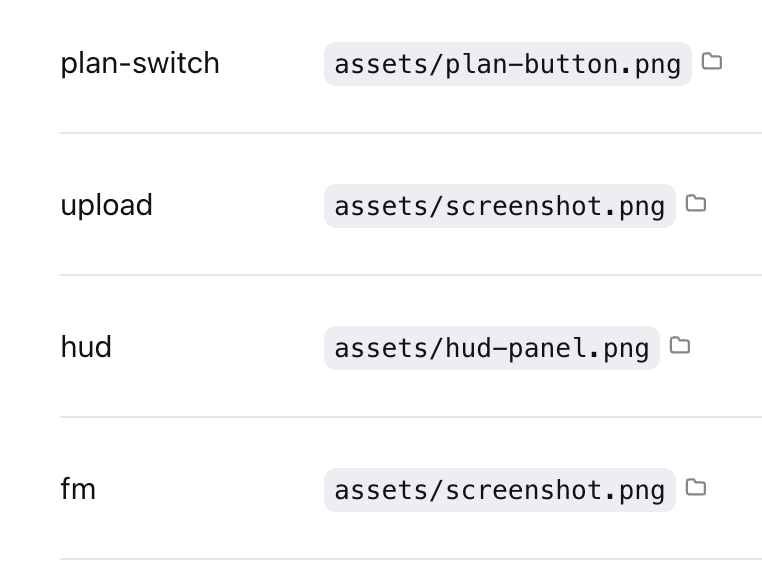
Inline paths wrapped in backticks (`~/...`, absolute, relative, or Chinese paths) become
click-to-open; each clickable path carries a small folder-icon button that reveals the file in your
file manager; a "📎 mentioned files" chip list at the turn tail covers the rest. URLs are
already auto-linked by the official renderer, so this plugin leaves them alone.
Features
| Where | What | Effect |
|---|---|---|
| Inline path text | click | Open with default app / open directory |
| folder icon after inline path | click | Reveal in file manager |
| "📎 mentioned files" chip | click name | Preview content inside DSH |
| folder icon in the chip list | click | Reveal in file manager |
| Inline URL | click | Browser opens it (official autolink) |
Supports ~/ expansion, relative paths (resolved against the session cwd), and absolute
paths in macOS / Linux / Windows forms. Non-existent paths silently do nothing.
Install
This repository is an official bundle plugin (dsh.bundle + dsh.client in the root
package.json), installed through the official profile manager:
dsh plugin --profile web add "github:a903067276-rgb/dsh-file-mentions#main"
Then restart dsh web (bundle layers are composed at startup; HMR does not apply).
Requires pnpm on PATH (dsh plugin forwards to pnpm).
Manual mount fallback: see docs/install.md.
Usage
Have the agent wrap paths in backticks (e.g. `~/docs/plan.md`) to make them clickable
inline. The tail chip list appears automatically — no configuration.
Platform support
| Platform | Status |
|---|---|
| macOS | ✅ Fully tested (incl. Chinese paths) |
| Linux | ⚠️ Not tested — expected to work (command branching and path parsing implemented) |
| Windows | ⚠️ Not tested — expected to work (command branching and path parsing implemented) |
Requirements
- DSH web (run with
npx @deepseek-ai/dsh web) - Pure Node stdlib — no runtime dependencies
- Opening files uses the system default app / file manager (per-platform command branching)
How it works
- Host (
lib/index.js): two routes —/api/file-mentions/check(existence check) and/api/file-mentions/open(system open,mode: open/reveal, per-platform command). Pure Node stdlib;execFileavoids shell injection. - Client (
lib/client.js): a conversationEvents collector extracts paths from each reply → publishes them to turn data → the tail list filters non-existent paths before rendering; inline clicks use a document-level click delegation (the official render entry is occupied by the official "deliverables" plugin, so DOM delegation is the only viable path); inline folder-icon buttons are inserted by a MutationObserver and restored automatically after React re-renders.
See docs/architecture.md.
Notes
- Use either the official bundle install or the manual mount — never both.
- Manual mounting needs a single entry in
~/.dsh/cordis.patch.yml; a double entry applies the plugin twice and crashes on duplicate route registration.
Compatibility notes
- Inline clicks rely on backtick-wrapped paths (the agent-output convention, same as Codex); bare paths in prose are intentionally not clickable.
- The official "produced files" list and this plugin coexist: official wins when it has output, otherwise this plugin shows.
- Windows / Linux validation via issue or PR is welcome.
License
项目文件与信号
以下项目是目录快照中检测到的公开仓库信号。
仓库信息
- 开发语言
- JavaScript
- 许可证
- MIT
- 最新发布
- v1.0.3
- 最后更新
- 2026年8月18日 13:19
谨慎安装
请检查源代码、权限、生命周期脚本、依赖与网络访问;不受信任的插件应先在隔离环境中测试。