安装
npx -y @deepseek-ai/dsh plugin --profile web add github:oppnc/dsh-kernel-mesh此安装命令根据 GitHub 仓库地址生成,是未经验证的安装起点。
README
维护者编写的文档快照。
English | 中文
dsh-kernel-mesh
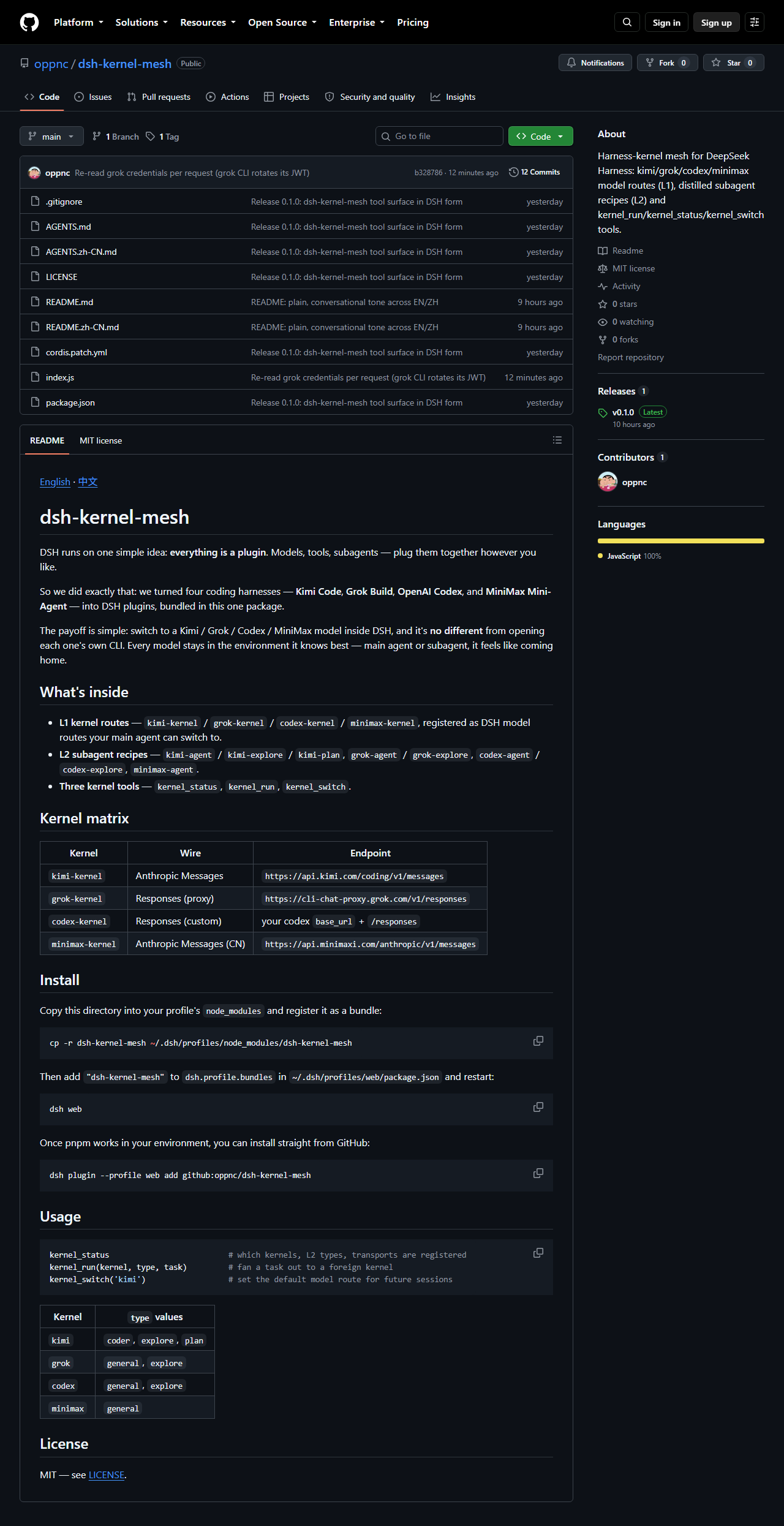
DSH runs on one simple idea: everything is a plugin. Models, tools, subagents — plug them together however you like.
So we did exactly that: we turned four coding harnesses — Kimi Code, Grok Build, OpenAI Codex, and MiniMax Mini-Agent — into DSH plugins, bundled in this one package.
The payoff is simple: switch to a Kimi / Grok / Codex / MiniMax model inside DSH, and it's no different from opening each one's own CLI. Every model stays in the environment it knows best — main agent or subagent, it feels like coming home.
What's inside
- L1 kernel routes —
kimi-kernel/grok-kernel/codex-kernel/minimax-kernel, registered as DSH model routes your main agent can switch to. - L2 subagent recipes —
kimi-agent/kimi-explore/kimi-plan,grok-agent/grok-explore,codex-agent/codex-explore,minimax-agent. - Three kernel tools —
kernel_status,kernel_run,kernel_switch. - Vendor search tools, offered only when opted in —
kimi_search/kimi_fetchappear only ifdsh-kernel-kimiis installed and a Moonshot credential exists;grok_search/grok_fetchappear only ifdsh-kernel-grokis installed and a Grok OAuth credential exists. They stay separate tools (different corpora). Officialweb_searchis DeepSeek's own search and is not a wrapper.
Kernel matrix
| Kernel | Wire | Endpoint |
|---|---|---|
kimi-kernel | Anthropic Messages | https://api.kimi.com/coding/v1/messages (kimi-cli 1.49.0: max_tokens clamped to remaining context; catalog includes k3) |
grok-kernel | Responses (proxy) | https://cli-chat-proxy.grok.com/v1/responses |
codex-kernel | Responses (custom) | your codex base_url + /responses |
minimax-kernel | Anthropic Messages (CN) | https://api.minimaxi.com/anthropic/v1/messages |
Install
Copy this directory into your profile's node_modules and register it as a bundle:
cp -r dsh-kernel-mesh ~/.dsh/profiles/node_modules/dsh-kernel-mesh
Then add "dsh-kernel-mesh" to dsh.profile.bundles in ~/.dsh/profiles/web/package.json and restart:
dsh web
Once pnpm works in your environment, you can install straight from GitHub:
dsh plugin --profile web add github:oppnc/dsh-kernel-mesh
Usage
kernel_status                          # which kernels, L2 types, transports are registered
kernel_run(kernel, type, task)         # fan a task out to a foreign kernel
kernel_switch('kimi')                  # set the default model route for future sessions
| Kernel | type values |
|---|---|
kimi | coder, explore, plan |
grok | general, explore |
codex | general, explore |
minimax | general |
Screenshots
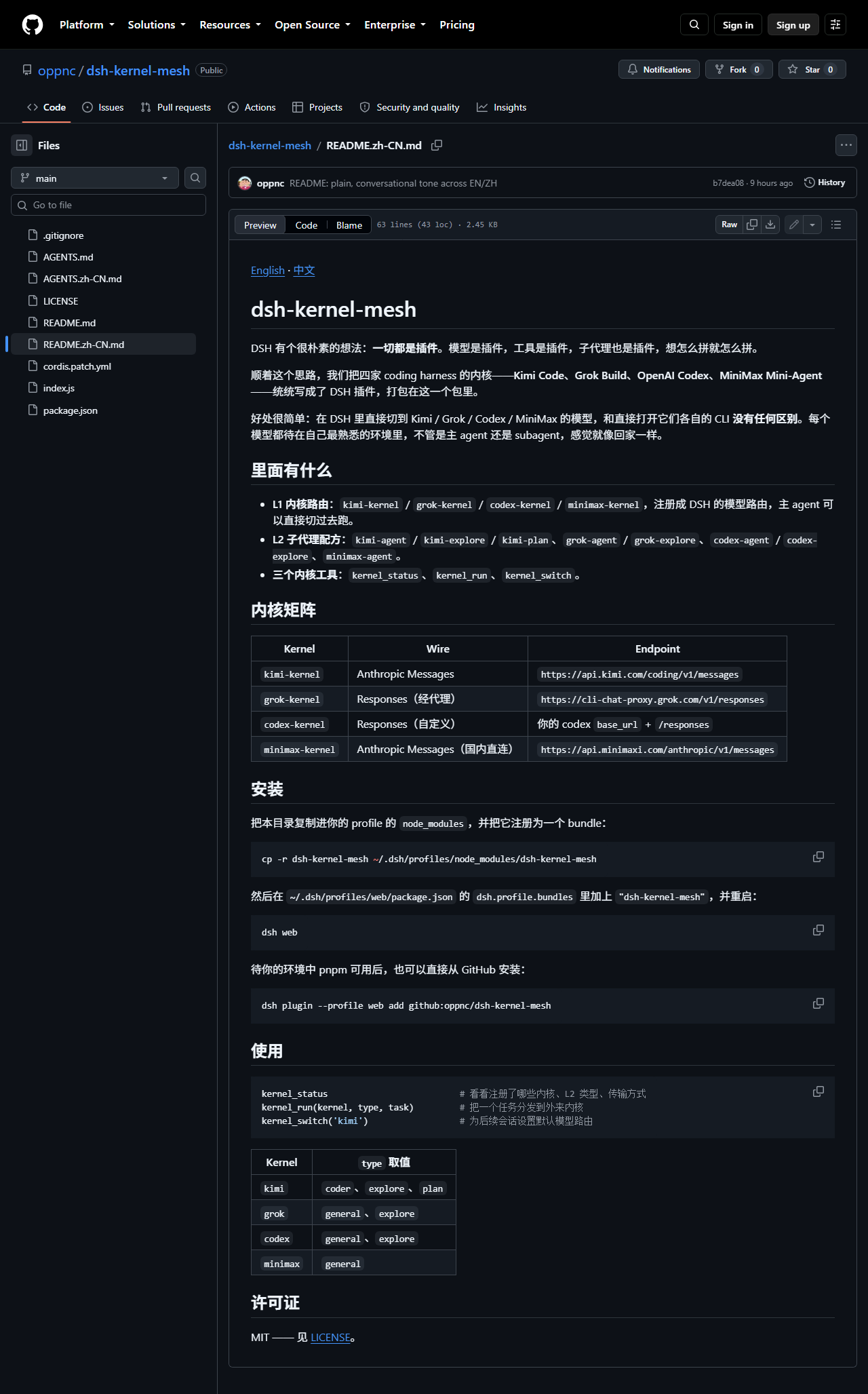
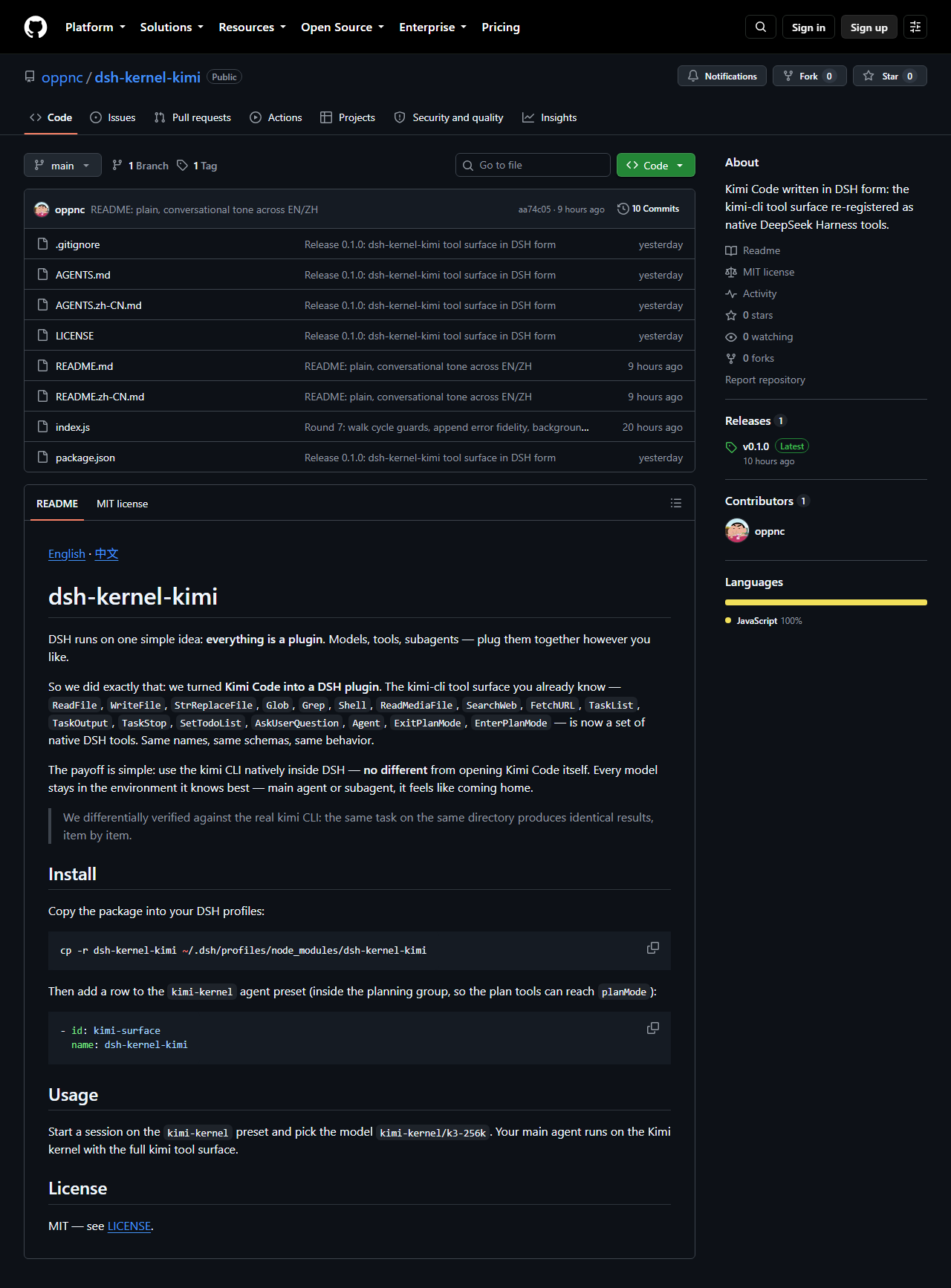
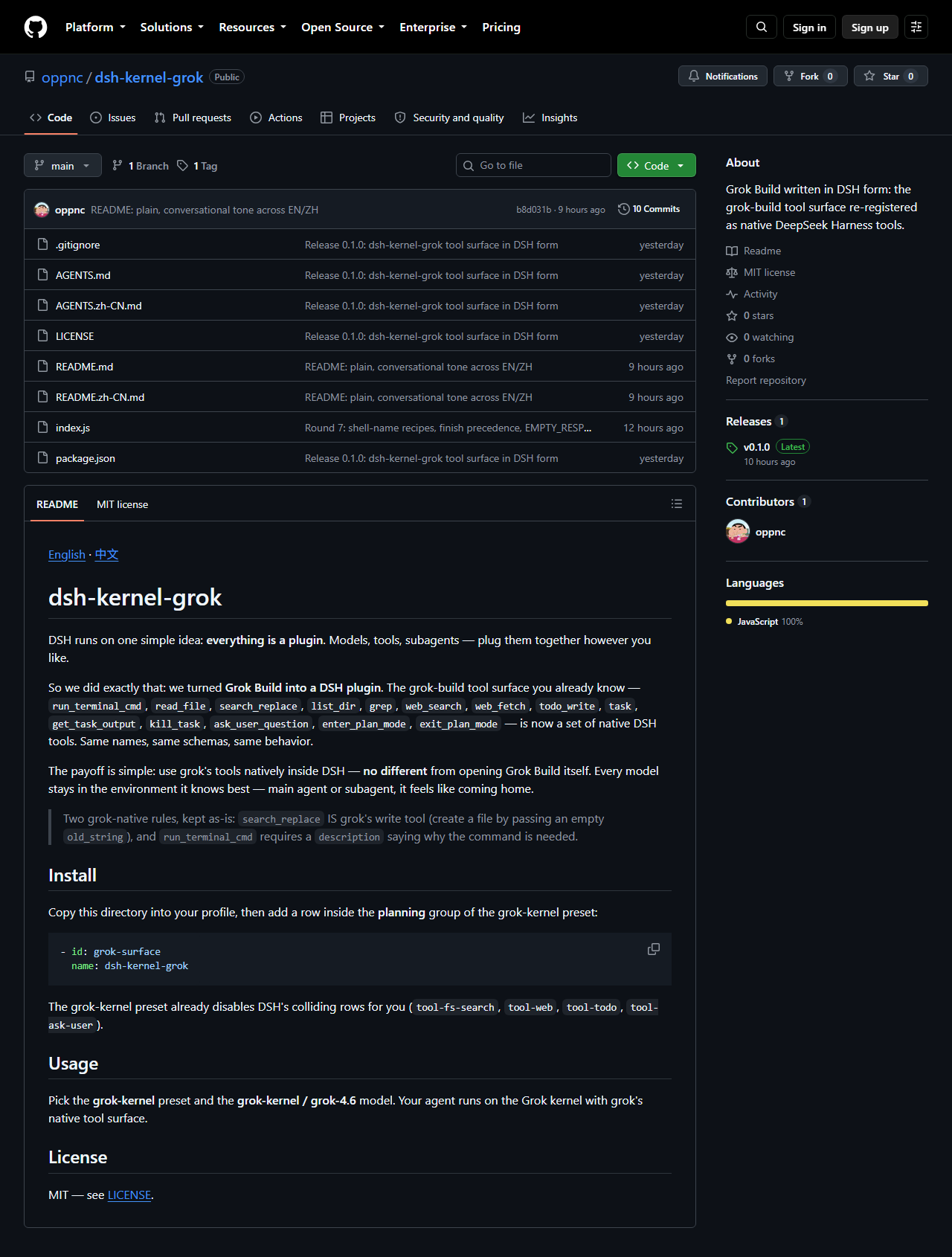
The whole family on GitHub — every README has a one-tap language switch:
 |  |  |
 | 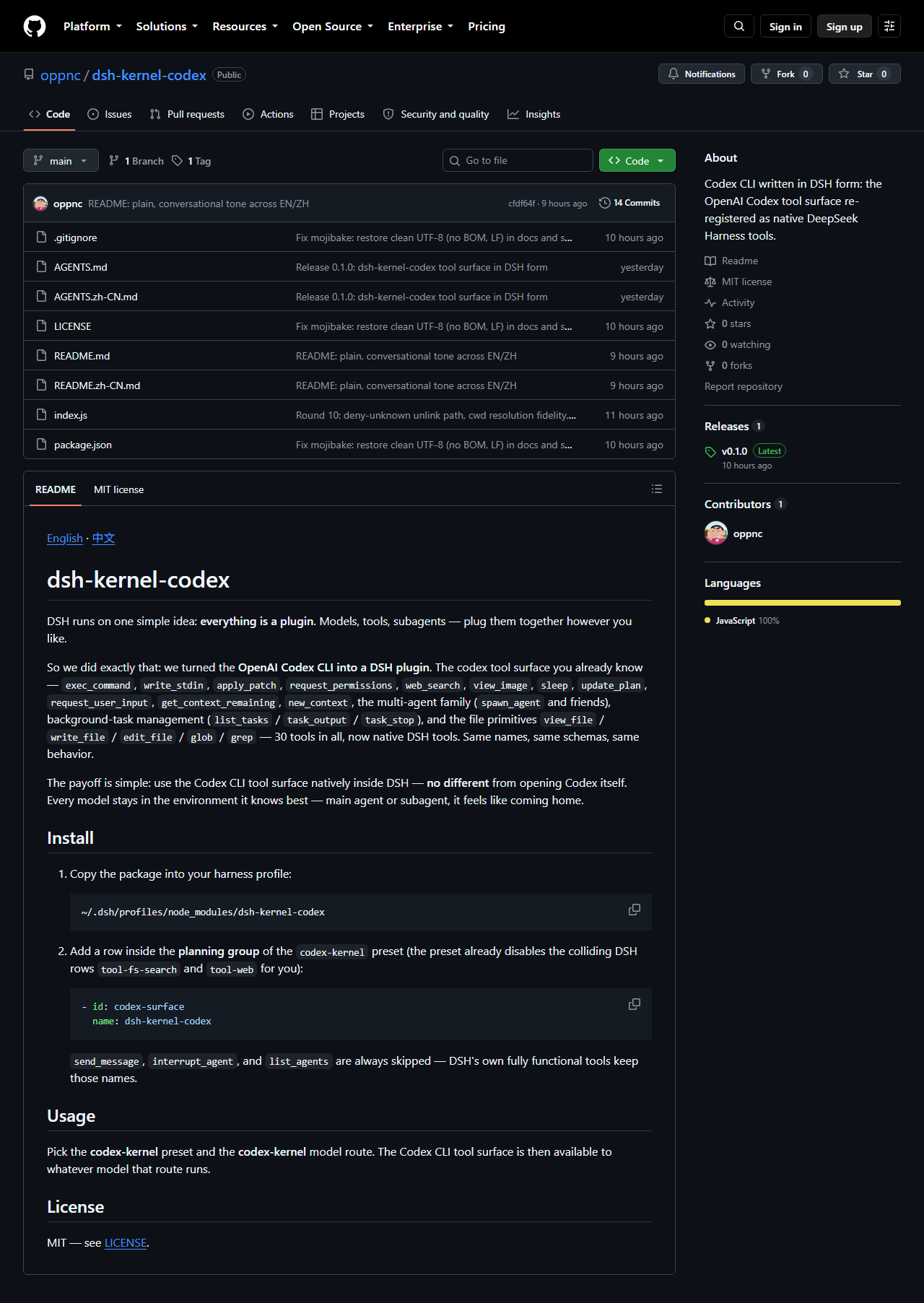 | 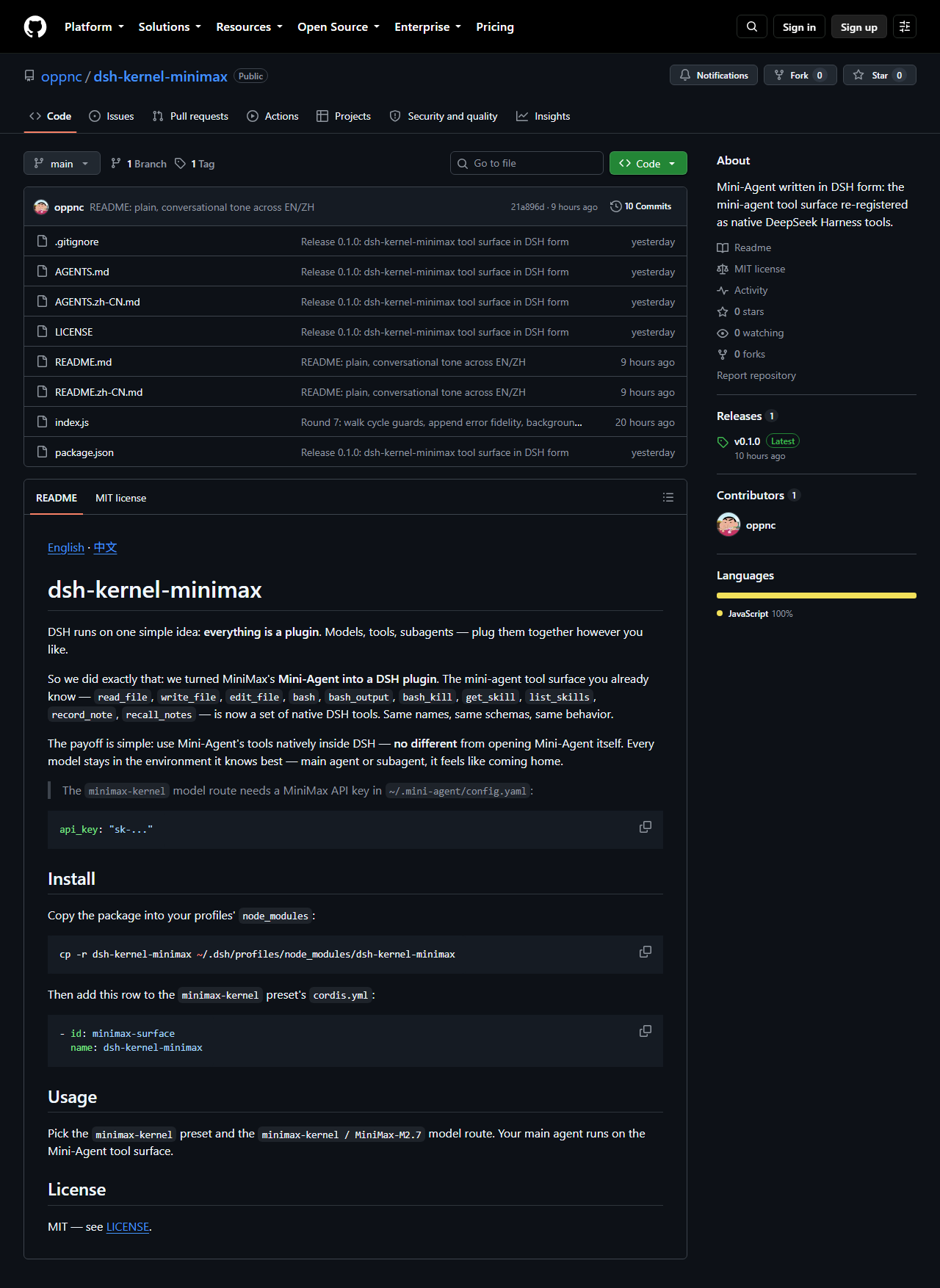 |
Full-size images live in docs/screenshots/.
License
MIT — see LICENSE.
项目文件与信号
以下项目是目录快照中检测到的公开仓库信号。
仓库信息
- 开发语言
- JavaScript
- 许可证
- MIT
- 最新发布
- v0.1.2
- 最后更新
- 2026年8月17日 06:44
谨慎安装
请检查源代码、权限、生命周期脚本、依赖与网络访问;不受信任的插件应先在隔离环境中测试。