安装
npm install --global github:suuuuuu-1/dsh-discord此命令根据 GitHub 仓库地址生成。运行前请检查上游 README 与源代码;需要可复现安装时,请固定 release 或 commit。
README
维护者编写的文档快照。
dsh-discord
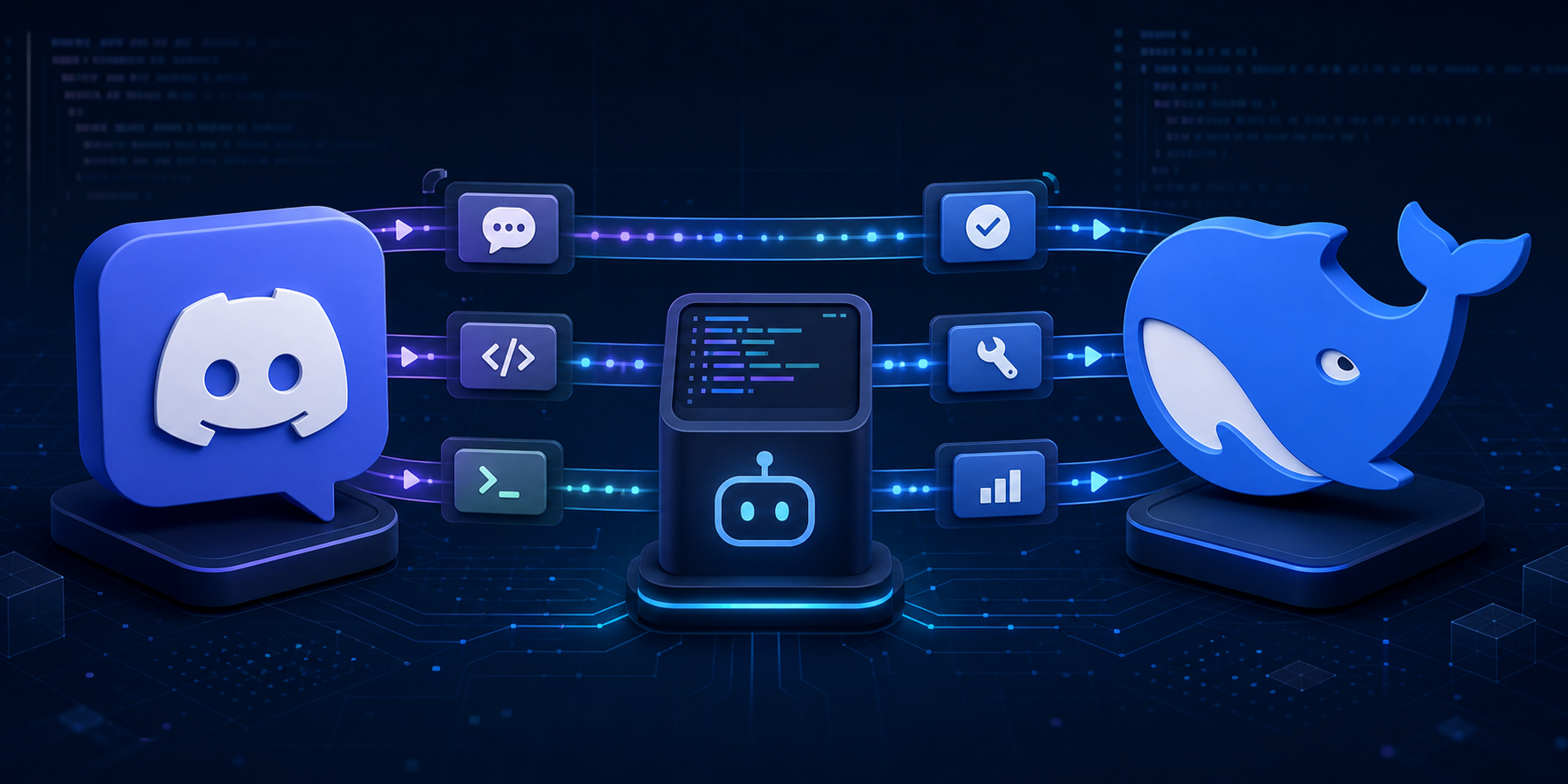
Bidirectional Discord bridge and remote controller for DeepSeek Harness.
The dedicated discord profile supports one owner and project across DMs, guild text channels, and threads. Each Discord conversation owns an independently persisted DSH Session. Owner DMs trigger directly; ordinary guild-channel messages require an explicit bot mention; an already-bound thread continues without repeated mentions. Slash commands never require a mention.
The bot invite requests View Channel, Send Messages, Send Messages in Threads, Read Message History, Embed Links, and Attach Files. doctor checks the same permission set. Discord server and channel permissions determine where the bot is visible; the plugin remains single-owner and fail-closed.
The controller includes natural text, /dsh help/status/new/stop/steer, coalesced progress, approvals, structured questions, image and text/code attachment ingress, durable event deduplication, Gateway reconnect, and managed daemon operation.
Enable Message Content Intent on the Discord Developer Portal Bot page for natural guild-channel messages.
# Until an npm release is available, install the CLI from GitHub.
npm install --global github:suuuuuu-1/dsh-discord
dsh-discord setup --package-spec github:suuuuuu-1/dsh-discord
dsh-discord doctor
dsh-discord start

# or managed background mode
dsh-discord start --daemon
dsh-discord status
dsh-discord stop
The global CLI is only a launcher. The plugin itself is activated in the dedicated discord profile and remains bound to the single project selected during setup; it does not become active in every directory or in the web profile.
The Bot Token is stored only through DSH Credentials. See README.zh.md, DESIGN.md, and SECURITY.md.
项目文件与信号
以下项目是目录快照中检测到的公开仓库信号。
仓库信息
- 开发语言
- TypeScript
- 许可证
- MIT
- 最后更新
- 2026年8月17日 15:38
谨慎安装
请检查源代码、权限、生命周期脚本、依赖与网络访问;不受信任的插件应先在隔离环境中测试。