安装
pnpm dsh plugin --profile web add github:terrywangcode/dsh-mermaid-web此命令根据 GitHub 仓库地址生成。运行前请检查上游 README 与源代码;需要可复现安装时,请固定 release 或 commit。
README
维护者编写的文档快照。
dsh-mermaid-web


An out-of-tree DeepSeek Harness Web UI plugin that turns settled fenced code blocks labeled mermaid into Mermaid.js SVG diagrams.
```mermaid
flowchart LR
  Prompt --> Agent --> Tool
```
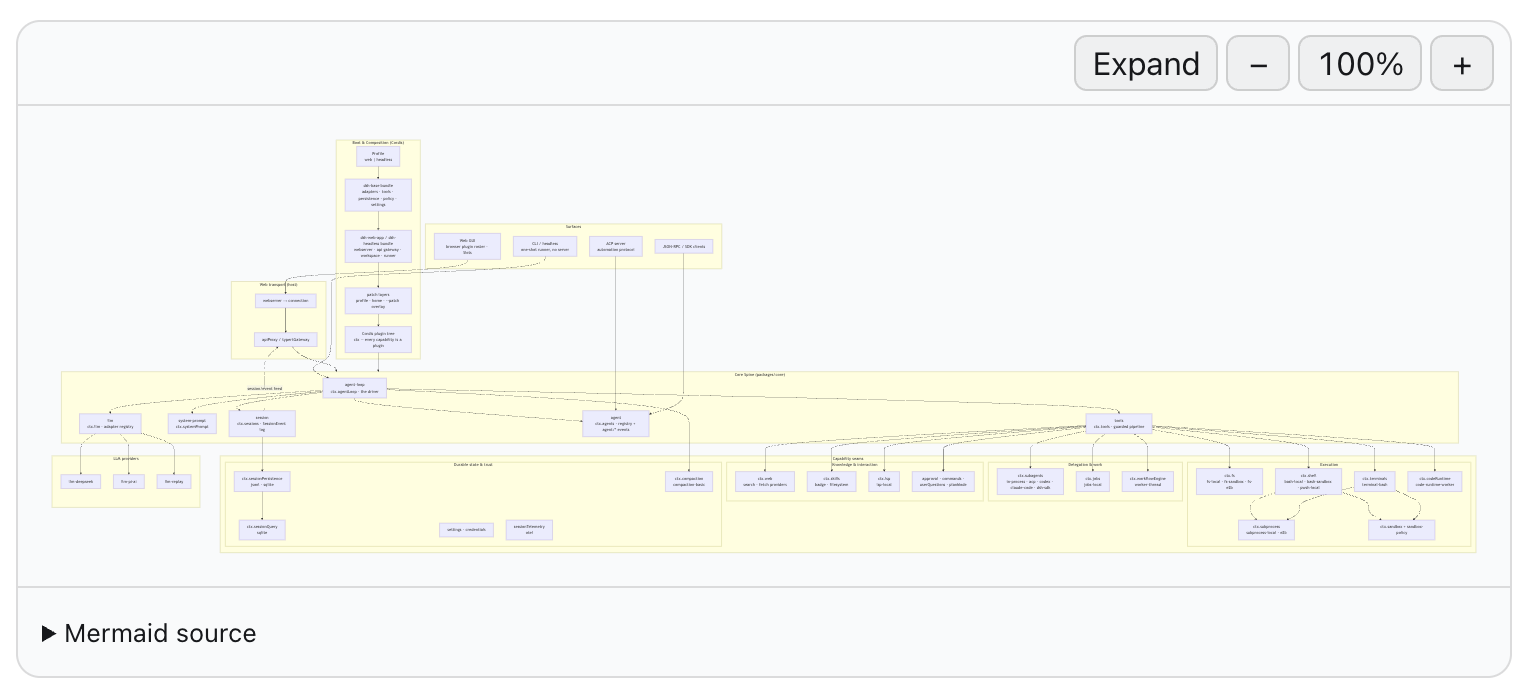
Inline diagram
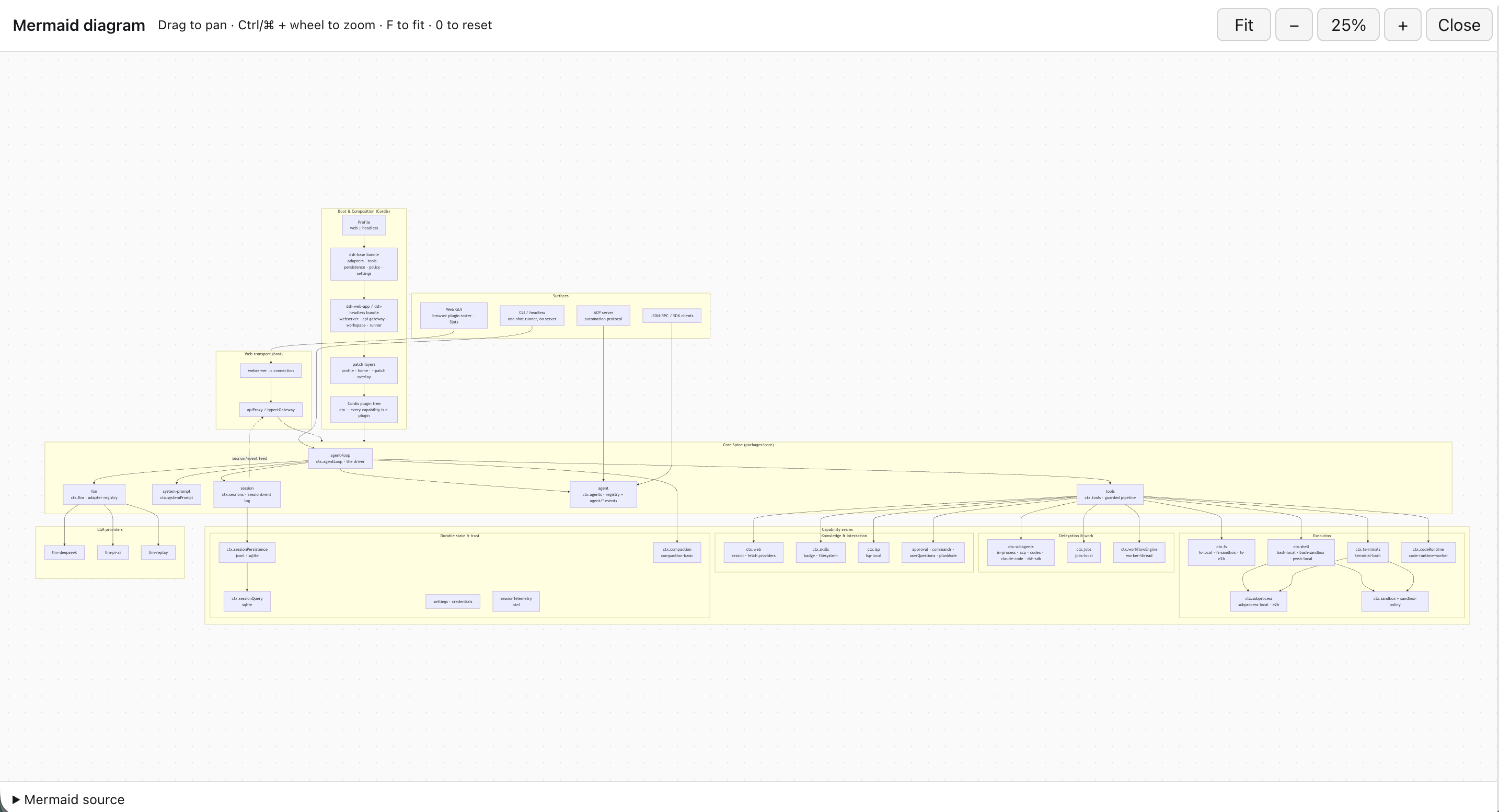
Fullscreen workspace
Install
From a DeepSeek Harness checkout:
pnpm dsh plugin --profile web add github:terrywangcode/dsh-mermaid-web
pnpm dsh --profile web web
The repository commits its built browser bundle, so installing from GitHub does not require a consumer-side plugin build.
To install a specific release:
pnpm dsh plugin --profile web add github:terrywangcode/dsh-mermaid-web#v0.1.0
Build from source
Use Node 22 or newer:
pnpm install
pnpm run build
cd ../deepseek-harness
pnpm dsh plugin --profile web add ../dsh-mermaid-web
pnpm dsh --profile web web
The package is a bundle: cordis.patch.yml inserts its host row, while dsh.client points Harness at the built lib/client.js browser entry.
How it works
The package has two DSH plugin faces. index.js is an intentionally empty host-side Cordis entry used for Loader governance and client discovery. The ./client export contains the browser implementation. DSH hashes and serves that bundle through /plugins, adds it to window.__DSH_BOOT__, and mounts its exported apply(ctx) through the browser Cordis Loader.
The browser plugin observes settled .md-code-block elements, renders exact mermaid fences with Mermaid.js, and records every DOM mutation it owns. Its Cordis effect disposer disconnects observation, closes any fullscreen workspace, removes generated UI and styles, and restores the original Harness code blocks. Client-plugin HMR therefore replaces the plugin without leaving duplicate diagrams or listeners behind.
Runtime behavior
- Only code blocks whose settled language banner is exactly
mermaidare enhanced. - Blocks under
[data-streaming]remain ordinary source until the assistant response settles. - Mermaid runs with
securityLevel: 'strict'and HTML flowchart labels disabled. - Every rendered diagram has keyboard-accessible zoom out, reset, and zoom in controls. Zoom is independent per chart, advances in 25% steps, and is bounded from 50% to 300%; standards-based SVG transforms resize a matching layout stage so enlarged charts scroll inside their canvas across browsers.
Expandopens a full-viewport native dialog without rerendering or duplicating the SVG. The workspace supports fit-to-screen, pointer-centered Ctrl/Command-wheel zoom, wheel/trackpad panning, drag-to-pan, 100% reset,F/0/+/-shortcuts, Escape-to-close, and a collapsible source panel. Closing or disposing the plugin returns the same SVG to its inline stage and restores its prior inline zoom.- The original Harness code block remains in the DOM but is hidden after a successful render. The diagram includes a source disclosure for auditing.
- Parse failures leave the original source visible and append a compact error message.
- Cordis disposal/HMR disconnects the observer, removes generated diagrams and styles, and restores every hidden original block.
Compatibility limitation
Harness currently exposes no Markdown-fence renderer slot. This plugin therefore recognizes the stable .md-code-block wrapper and the current CodeBlock child layout. A future Web UI refactor may require updating blockLanguage() or blockSource(). A first-class Markdown code-renderer slot in Harness would remove this DOM coupling.
Version 0.1.0 was verified against DeepSeek Harness 0.1.0-rc.5 at commit 47f943859b.
Development and security
See CONTRIBUTING.md for the build and live browser verification workflow. Please report suspected vulnerabilities through GitHub private vulnerability reporting as described in SECURITY.md.
License
MIT
项目文件与信号
以下项目是目录快照中检测到的公开仓库信号。
仓库信息
- 开发语言
- TypeScript
- 许可证
- MIT
- 最新发布
- v0.1.0
- 最后更新
- 2026年8月17日 10:10
谨慎安装
请检查源代码、权限、生命周期脚本、依赖与网络访问;不受信任的插件应先在隔离环境中测试。