安装
npx -y @deepseek-ai/dsh plugin --profile web add github:zhaoryder/ds-pet此安装命令根据 GitHub 仓库地址生成,是未经验证的安装起点。
README
维护者编写的文档快照。
DeepSeek Pet
English · 简体中文


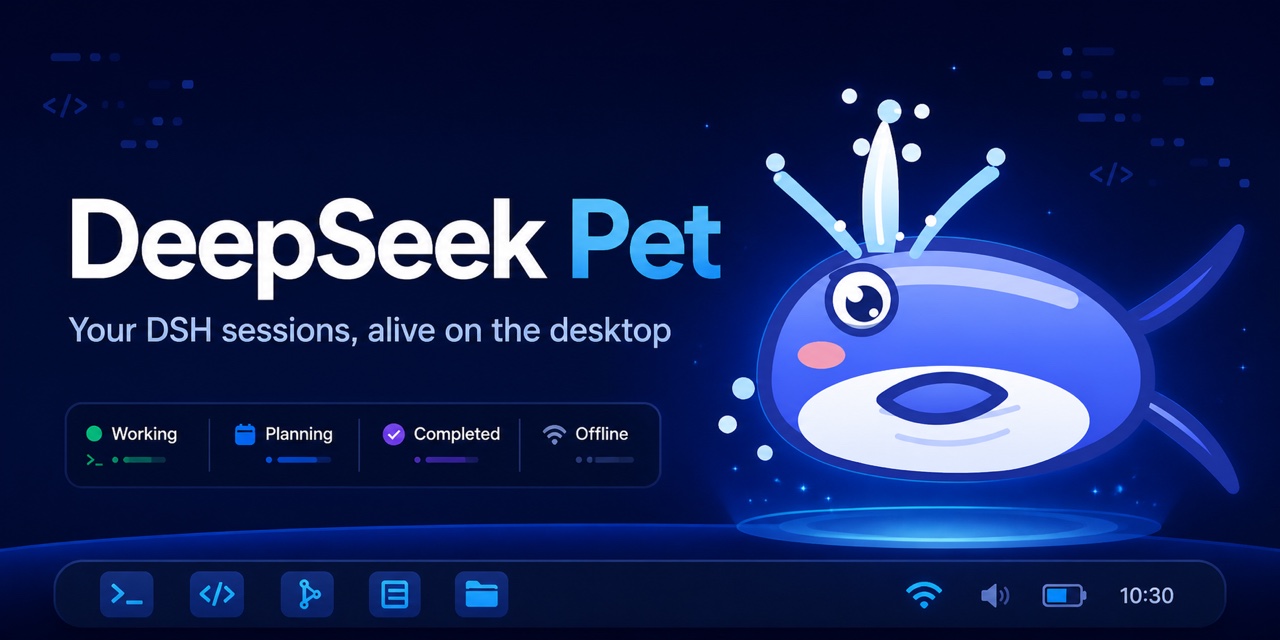
A small cartoon whale that lives on your desktop and reacts to DeepSeek Harness (DSH) sessions in real time.

Download
Get the latest installer from GitHub Releases.
| Platform | Package |
|---|---|
| macOS Apple Silicon | DeepSeek-Pet-0.1.2-mac-arm64.dmg |
| macOS Intel | DeepSeek-Pet-0.1.2-mac-x64.dmg |
| Windows x64 | DeepSeek-Pet-0.1.2-windows-x64.exe |
| Linux x64 | .AppImage or .deb |
Installing on macOS
The macOS build is structurally signed but not Apple-notarized, so macOS may block its first launch. Follow these steps:
- Open the downloaded
.dmgand drag DeepSeek Pet into the Applications folder. - Open Applications and try to launch DeepSeek Pet once. If macOS blocks it, close the warning.
- Open System Settings from the Apple menu.
- Select Privacy & Security in the sidebar, then scroll down to the Security section.
- Find the message saying that DeepSeek Pet was blocked and click Open Anyway.
- Authenticate with Touch ID or your Mac password, then click Open Anyway again in the confirmation dialog.
You only need to do this for the first launch. If macOS instead says that the app is damaged, make sure it is already in Applications, open Terminal, and run:
xattr -d com.apple.quarantine "/Applications/DeepSeek Pet.app"
Then open DeepSeek Pet again from Applications.
Installing on Windows with Microsoft Edge
Windows and Microsoft Edge may warn about the installer because it does not yet have a commercial code-signing certificate. If Edge blocks the download:
- Open Edge's Downloads panel by clicking the download icon in the top-right corner, or press
Ctrl+J. - Find the blocked DeepSeek Pet installer and click Keep.
- Click the arrow or Show more next to the warning, then choose Keep anyway.
- Open the downloaded
.exe. If Microsoft Defender SmartScreen appears, click More info, then Run anyway.
Only continue if the file was downloaded from this repository's official GitHub Releases page.
What it does
- Mirrors working, planning, approval, completion, error, sleep, and offline states from DSH.
- Includes Classic Blue, Candy Pastel, Night Flight, and Retro Pixel styles.
- Supports sound, reduced motion, launch at login, drag, poke, tray controls, and mouse-through mode.
- Can start
dsh web; if DSH is missing, it can install@deepseek-ai/dshwith npm. - Selects English or Chinese from the system language.
Requirements
- Windows 10/11, macOS, or a modern x64 Linux desktop
- Node.js when installing DSH from the app
- DSH Web at
http://127.0.0.1:3080by default
Run from source
npm install
npm start
Use DS_PET_URL or the settings window to connect to another DSH address.
Build
npm run build:mac
npm run build:win
npm run build:linux
Tagged releases are built natively on macOS, Windows, and Ubuntu by GitHub Actions.
License
MIT © 2026 zhaoryder.
仓库信息
- 开发语言
- JavaScript
- 许可证
- NOASSERTION
- 最新发布
- v0.1.2
- 最后更新
- 2026年8月15日 04:02
谨慎安装
请检查源代码、权限、生命周期脚本、依赖与网络访问;不受信任的插件应先在隔离环境中测试。