설치
npx -y @deepseek-ai/dsh plugin --profile web add github:lin-nanxing/dsh-qnav이 설치 명령은 GitHub 저장소 주소에서 생성된 확인되지 않은 시작점입니다.
README
유지 관리자가 작성한 문서 스냅샷입니다.
dsh-qnav
English · 中文 · 日本語 · Español · Français
One-liner
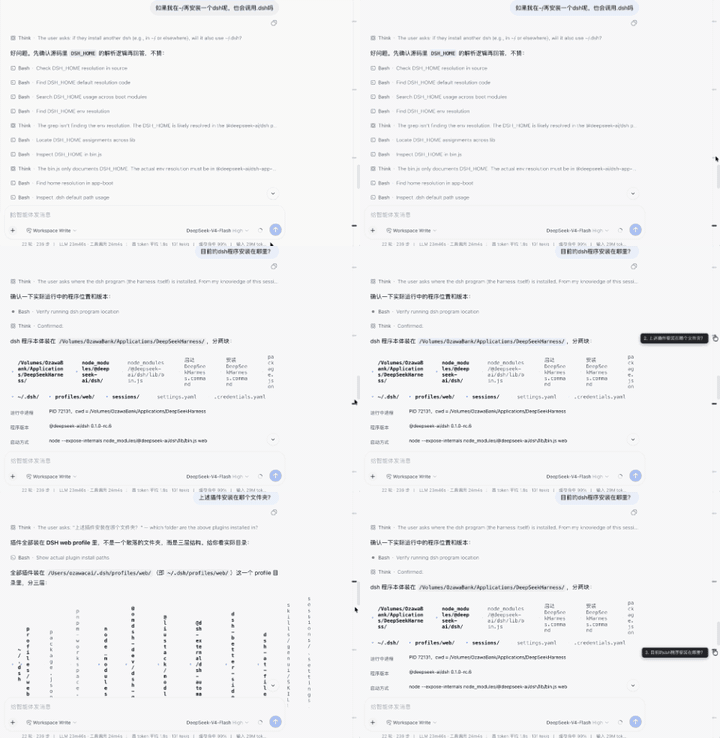
A slim right-edge question-navigation rail for long DSH conversations — every real user question gets a hoverable tick; click to jump straight to that turn, current position auto-highlights while scrolling.
Install (three steps)
# 1. Clone from GitHub
git clone https://github.com/lin-nanxing/dsh-qnav.git
cd dsh-qnav

# 2. Build (only if you modify source code)
npm run build

# 3. One-line command to mount into DSH
dsh plugin --profile web add link:.
💡 No npm publish needed! The
link:prefix tells DSH to install from a local path. After cloning, just run step 3 in the project directory."Publishing to npm" means uploading your package to the public npm registry so others can simply type
dsh plugin --profile web add dsh-qnav. This is optional — it doesn't affect your own usage.
Key Features
- Precise extraction — Reads real user questions from DSH conversation DOM nodes using
data-chat-flow-kind="user", filtering out steering/pending/context rows; falls back to[class*="userRow"]. - Element-reference jumping — Saves each
flowItemDOM element reference instead of text-prefix matching; clicks callscrollIntoView()directly. Eliminates dedup bugs, prefix collisions, and @-reference text-node splits. - Auto-filter non-user rows — Excludes uncommitted inputs and system-injected contexts via
data-pending-steeringanddata-chat-flow-kind. No misleading empty ticks. - Proportional layout — Ticks are evenly spaced along the right edge, adapting count as questions accumulate.
- Dark-mode support — CSS
color-scheme: light dark+@media (prefers-color-scheme: dark)switches highlight color automatically with page theme. - Hover tooltip bubble — Hovering shows "N. " to the left; bubbles anchor left to avoid viewport overflow and measure dimensions before positioning (no flicker).
- Current-position highlight — Updates via element rects (
getBoundingClientRect().top ≤ 120px) instead of fragile text-tree walks, immune to answer-body quoting interference. - MutationObserver sync — Re-scans & re-renders ticks on content change (500ms debounce); highlight polls every 600ms.
- HMR-safe —
apply(ctx)returns a disposer that tears down observers, intervals, injected DOM, and stylesheets — no leaks on hot-reload or disable.
Improvements over desktop preload
| Dimension | Desktop preload-nav.js | dsh-question-nav plugin |
|---|---|---|
| Runtime | Electron shell preload (desktop only) | DSH web client (any platform) |
| Install | Requires editing lib/tabs.js & rebuild | One-line dsh plugin add link:. |
| Sandbox | Needs sandbox: false | Pure client, no sandbox changes |
| CSS selector | [class*="userRow"] | data-chat-flow-kind="user" (exact) + fallback |
| Jump strategy | Text-prefix match + "Load older" retry | Direct element scrollIntoView |
| HMR | N/A (restart process) | ctx.effect + auto-dispose |
| Platform | macOS desktop only | Any DSH web (Web / Win / Linux / WSL / remote) |
Known limitations
- Visible-only — Only scrolls to rendered items; questions beyond the pagination boundary ("Load older" cutoff) cannot be jumped to yet.
- Very long sessions — Tick density increases with 500+ questions; future search panel will help.
- User questions only — Currently targets user flowItems; assistant answers are not jump targets.
Quick preview
저장소 정보
- 언어
- TypeScript
- 라이선스
- MIT
- 마지막 업데이트
- 2026. 8. 17. PM 4:03
신중하게 설치하기
소스 코드, 권한, 수명 주기 스크립트, 의존성 및 네트워크 접근을 검토하고 신뢰하지 않는 플러그인은 격리 환경에서 테스트하세요.