Installation
npx -y @deepseek-ai/dsh plugin --profile web add github:988hj7tczd-oss/harness-desktopThis installation command is an unverified starting point generated from the GitHub repository address.
README
Maintainer-authored documentation snapshot.
harness-desktop — DeepSeek Harness 桌面端(开箱即用版)
开箱即用的 AI 助手工作台 · The out-of-the-box desktop client for DeepSeek Harness. Download, install, double-click, and chat — no terminal, no environment setup.
截图
启动界面
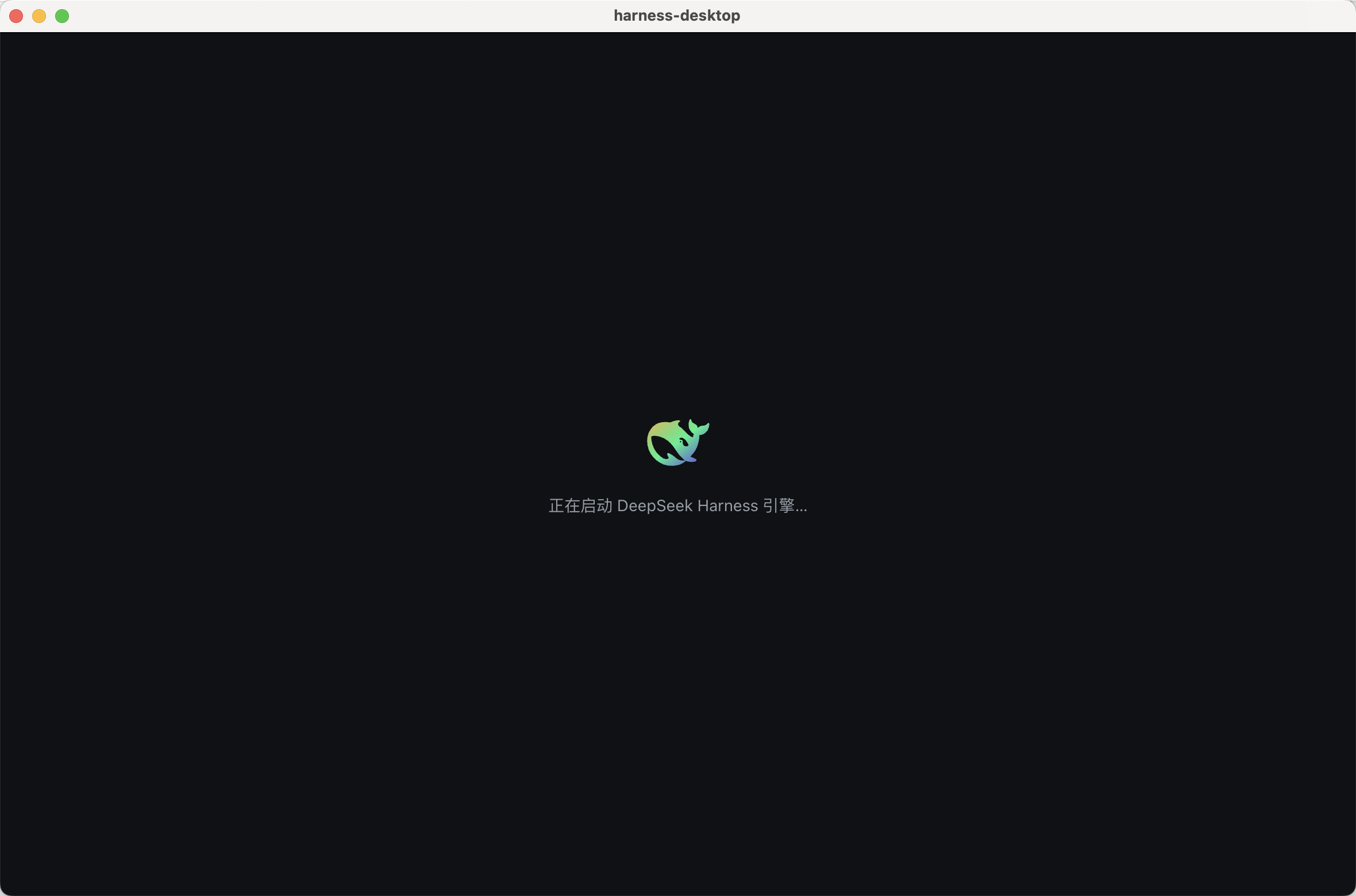
主界面(官方 DeepSeek Harness Web UI 集成 + 品牌)
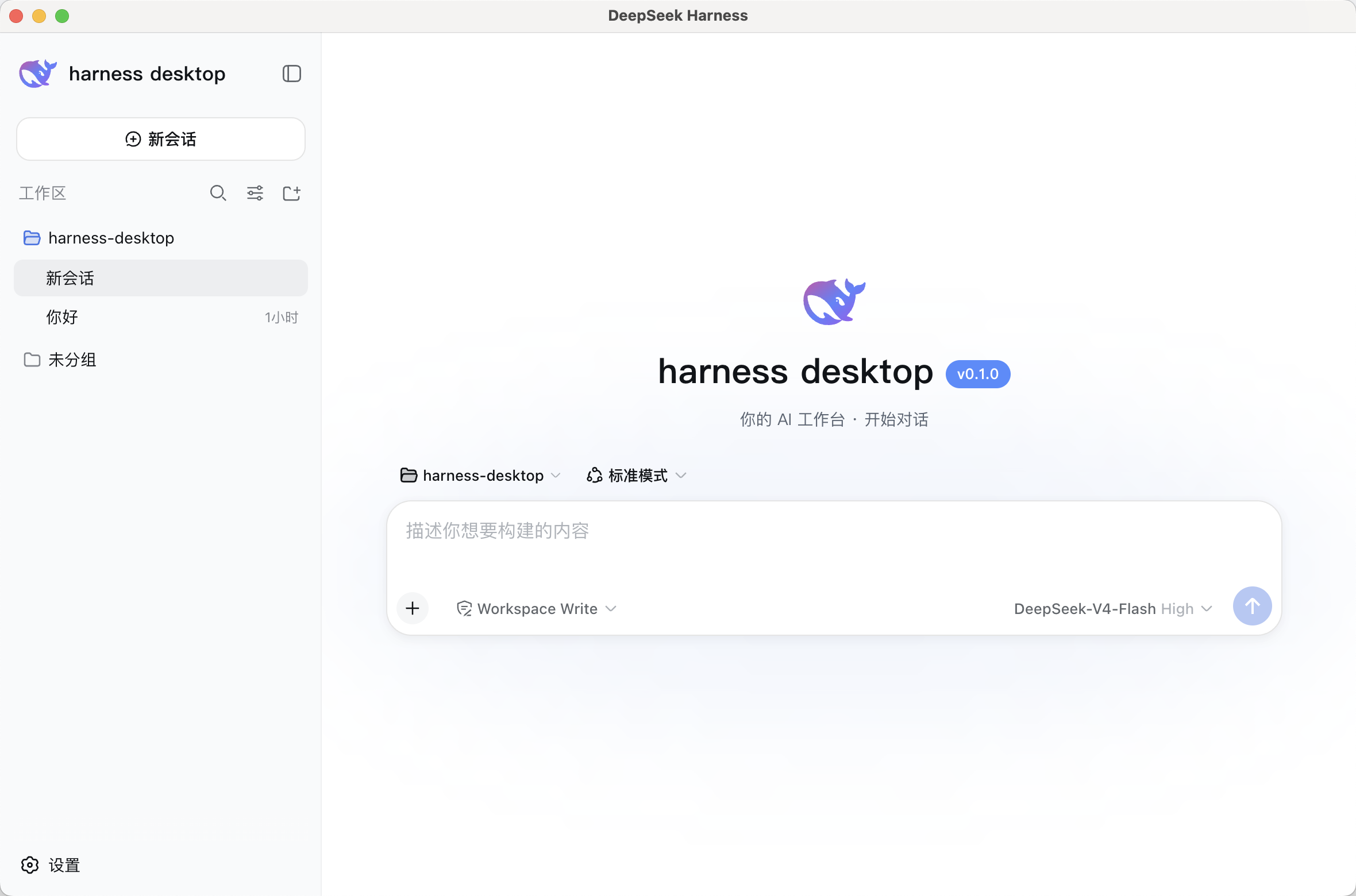
特性
- 开箱即用:内置 DeepSeek Harness 引擎,装完即聊;首启 4 步向导 3 分钟上手
- 流式聊天:打字机输出 + 思考过程可视化,如 ChatGPT 般顺滑
- 任务面板:任务追踪 / 自动复盘 / 失败重试,一条消息一个任务
- Agent 进化:记忆自动沉淀(偏好/项目约定/成功做法)+ 同类任务自动提炼技能
- 安全:严格 CSP / 单实例锁 / 附件限制 / safeStorage 密钥加密
- 外观:深色 / 浅色 / 跟随系统主题,主题色 / 字体 / 密度可调
- 托盘常驻:关闭最小化到托盘,后台持续运行
快速开始
安装(三平台)
macOS / Windows / Linux 安装包:GitHub Releases 下载对应平台安装包(dmg / exe / AppImage / deb)
npm 一键安装(自动下载对应平台安装包):
npm install -g harness-desktop
# npm 新版默认拦截安装脚本,如需自动下载安装包加参数:
npm install -g --allow-scripts=harness-desktop harness-desktop
harness-desktop        # 启动安装
Homebrew(macOS):
brew tap 988hj7tczd-oss/harness-desktop
brew install harness-desktop
国内加速(Gitee 镜像):https://gitee.com/jerryweizhihao/harness-desktop
首启
运行 → 4 步向导(欢迎 → 配置 API Key → 选择工作区 → 完成)→ 开始对话
API Key:前往 platform.deepseek.com 获取(示例中所有密钥均为占位符 YOUR_API_KEY)
未提供安装包时可用开发模式运行:
pnpm install
pnpm dev
命令行使用
npm 一键安装 + 启动:
# 安装(自动下载对应平台安装包)
npm install -g harness-desktop
# npm 新版默认拦截安装脚本,如需自动下载加参数:
npm install -g --allow-scripts=harness-desktop harness-desktop

# 启动安装(打开已下载的 dmg/exe/AppImage)
harness-desktop

# 检查是否已下载
harness-desktop --check
Homebrew(macOS):
brew tap 988hj7tczd-oss/harness-desktop
brew install harness-desktop
直接下载安装包:
# macOS (Apple Silicon)
curl -L -o harness-desktop.dmg "https://github.com/988hj7tczd-oss/harness-desktop/releases/download/v0.1.1/harness-desktop-0.1.0-arm64.dmg"
# Windows
curl -L -o harness-desktop.exe "https://github.com/988hj7tczd-oss/harness-desktop/releases/download/v0.1.1/harness-desktop.Setup.0.1.0.exe"
# Linux
curl -L -o harness-desktop.AppImage "https://github.com/988hj7tczd-oss/harness-desktop/releases/download/v0.1.1/harness-desktop-0.1.0.AppImage"
chmod +x harness-desktop.AppImage && ./harness-desktop.AppImage
国内加速(Gitee 镜像):https://gitee.com/jerryweizhihao/harness-desktop
开发指南
pnpm install      # 安装依赖
pnpm dev          # 开发模式:vite + electron(HMR)
pnpm build        # 构建 renderer + main
pnpm test         # 运行单元测试(Vitest)
pnpm typecheck    # TS 类型检查
pnpm dist         # 打包 macOS dmg + Windows exe(输出到 out/)
pnpm dist:mac     # 仅 macOS
pnpm dist:win     # 仅 Windows
提示词工作流说明见 prompts/README.md;macOS 签名与公证流程见 docs/SIGNING.md。
技术栈
- 引擎:DeepSeek Harness
@deepseek-ai/dsh@0.1.0-rc.6(锁版本,不随最新变动) - 桌面壳:Electron 43 + electron-builder
- 前端:React 18 + TypeScript + Vite(手写 CSS +
--dsw-*token,无重型 UI 库) - 隔离层:
adapter/独立封装 dsh API,上游变更只改 adapter,renderer 永不见 dsh 原始字段
DSH 生态
- 📦 awesome-dsh-plugin — DeepSeek Harness 插件精选列表(本项目已收录于 Desktop Clients 板块)
- 🖱️ dsh-computer-use — Computer Use 插件:给 harness-desktop 增加"虚拟鼠标真人操作"能力
- 🌐 独立站:aibunkhouse.com · 工具页:aibunkhouse.com/tools
已知限制(诚实标注)
- 未签名:当前 macOS/Windows 产物未做代码签名/公证,安装时系统可能提示"无法验证开发者";签名流程见 docs/SIGNING.md,配证书后即可产出可公开分发版本
- 体积:安装包约 130-230MB(内置完整 dsh 引擎 + Electron 框架)
- 三平台:macOS / Windows / Linux 均已在各自原生环境构建(GitHub Actions 矩阵),Windows 已实机验证可用
- dsh 引擎:处于 rc 预览期,本项目锁定
0.1.0-rc.6
License
非 DeepSeek 官方产品,与 DeepSeek 无附属关系;DeepSeek Harness 为 DeepSeek AI 的开源项目。
Project files and signals
Shown items are public repository signals detected in the directory snapshot.
Repository information
- Language
- TypeScript
- License
- MIT
- Latest release
- v0.1.1
- Last updated
- Aug 16, 2026, 12:50 AM
Install deliberately
Review source code, permissions, lifecycle hooks, dependencies and network access. Test untrusted plugins in an isolated environment.