Installation
npx -y @deepseek-ai/dsh plugin --profile web add github:baka-world/dsh-sidebar-modesThis installation command is an unverified starting point generated from the GitHub repository address.
README
Maintainer-authored documentation snapshot.
dsh-sidebar-modes
DeepSeek Harness Web GUI 侧边栏模式插件:把屏幕空间还给模型输出。
解决了什么痛点
默认会话页的顶部是一条横向 header:会话标题、面包屑、权限状态、Session log、Chat/Trajectory 标签,再加上输入框上方的 dock 条和状态信息,竖着堆了四五层。每一层都在压缩真正有价值的东西——模型输出。一屏里能看到的消息内容非常有限。
更难受的是:这些 header 信息不展示不行(要知道当前模式、子代理层级、日志入口),展示了又太占地方。这个插件就是为了解决"chrome 太多、正文太少"而开发的。
为什么这么做
- 把 header 变成右侧边栏:顶部整行高度还给对话,标题/面包屑/状态/Session log 完整保留在右侧竖栏;
- 紧凑模式:进一步压缩行距、输入区与 dock 条,同一屏塞进更多消息;
- 一键收起为 56px 窄条:只留模式图标和 Chat/Trajectory 圆形图标,需要时再点
«打开; - 动画质量:收/展动画右锚定、暗窗切换、纯水平滑入,不抖、不漂移(经历过多次逐帧连拍 + 视觉模型复核);
- 三态持久化:折叠状态切换会话不重置,刷新/重启后从
localStorage恢复,冷挂载不重放动画; - 开发者模式:双击标题进入,露出紧凑/侧边栏开关,普通模式保持常驻不打扰。
功能
- 紧凑模式:压缩 header / dock / 输入框与行距,加宽正文列
- 右侧边栏:标题面包屑、权限状态、Session log、Chat / Trajectory 竖排
- 收起窄条:模式图标 + 圆形 Chat / Trajectory 图标,
«/»切换 - 双击标题进入开发者模式(标题变蓝),显示两个常驻开关
- 状态经
localStorage(dsh-ui-layout-plugin-v1)持久化,冷挂载不重放动画
演示与截图
展开 → 收起 → 展开:
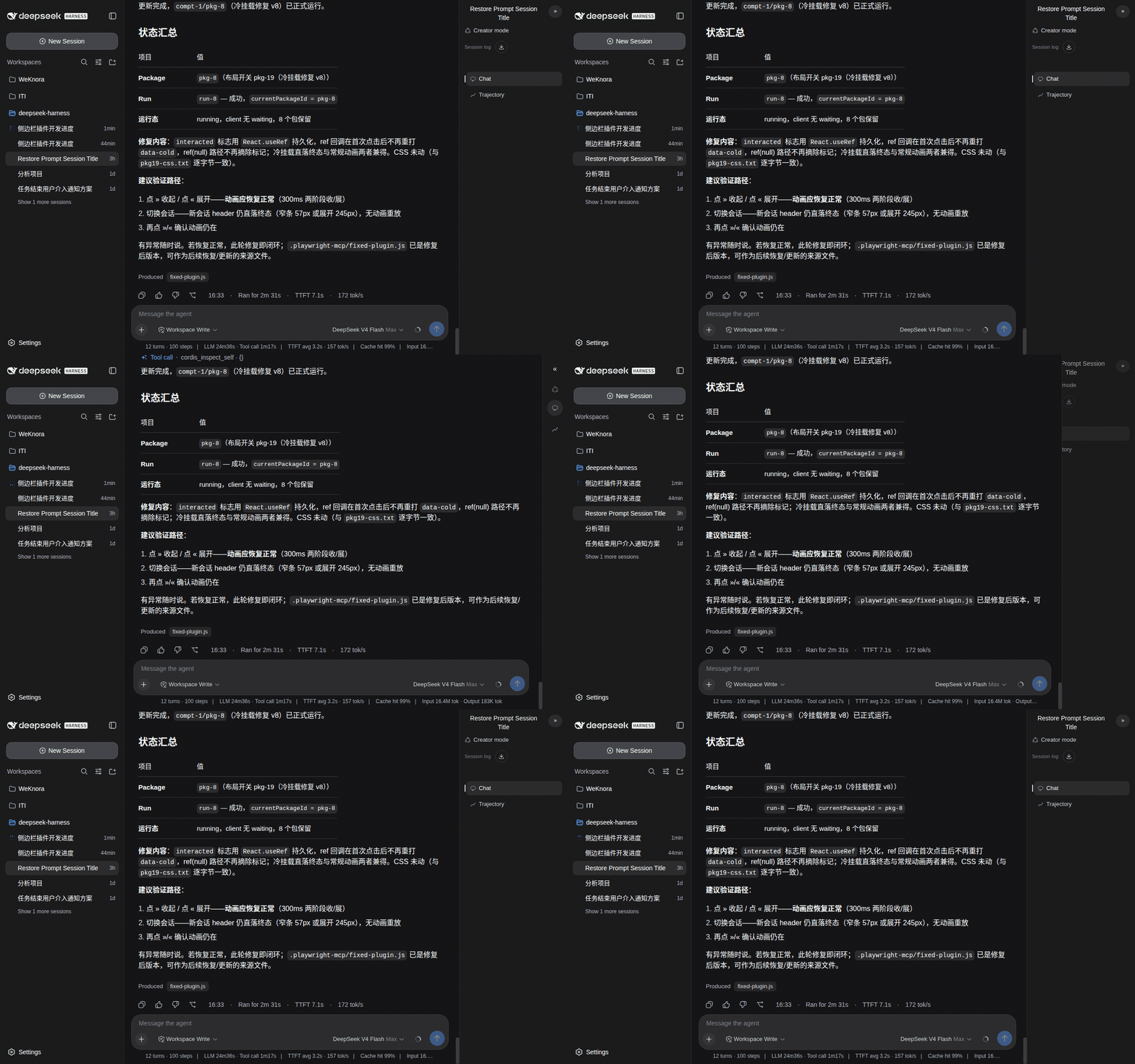
| 展开态(右侧边栏 245px) | 收起态(56px 窄条) |
|---|---|
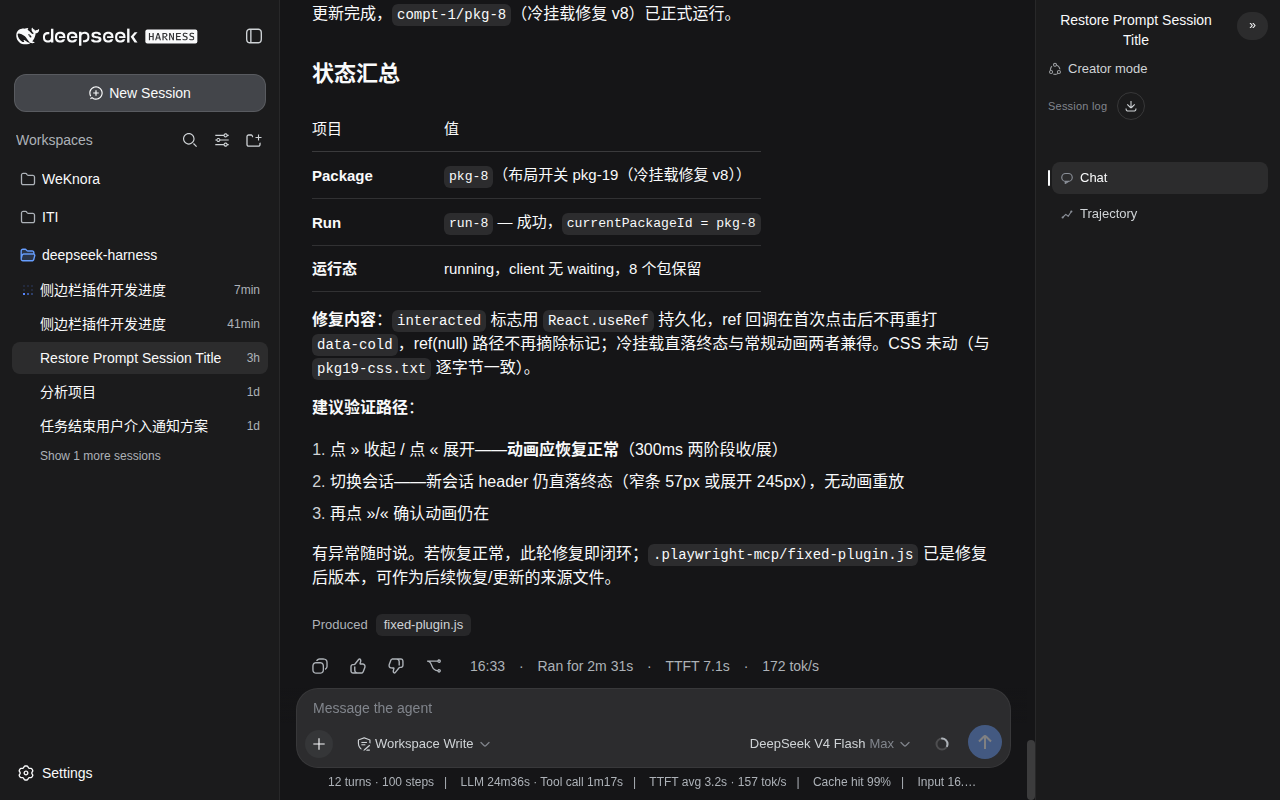 | 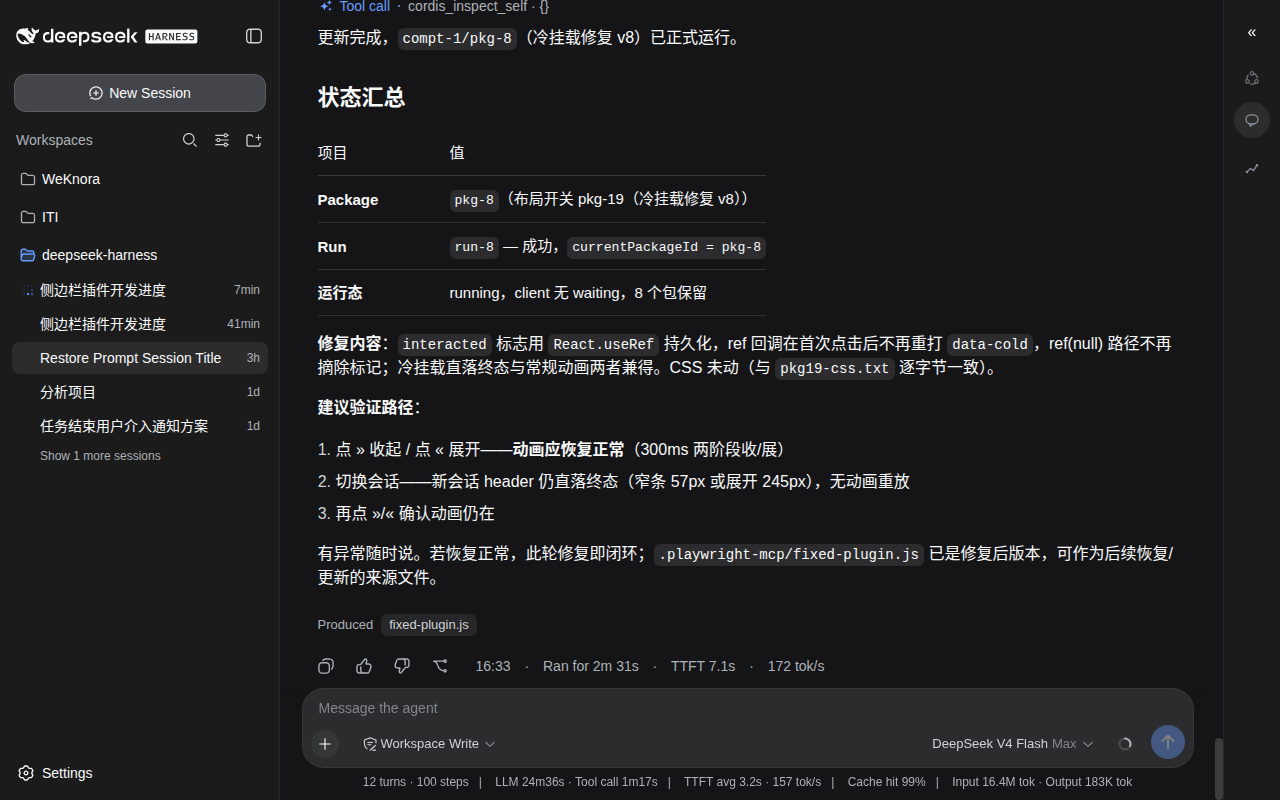 |
安装(web profile)
- 克隆到本地:
git clone https://github.com/baka-world/dsh-sidebar-modes - 在
~/.dsh/profiles/web/package.json里加入:
{
  "dependencies": {
    "dsh-sidebar-modes": "link:/绝对路径/dsh-sidebar-modes"
  },
  "dsh": {
    "profile": {
      "bundles": ["@deepseek-ai/dsh-base", "@deepseek-ai/dsh-web-app", "dsh-sidebar-modes"]
    }
  }
}
cd ~/.dsh/profiles/web && pnpm install- 重启
dsh web
使用
- header 右侧出现「紧凑模式 / 侧边栏 / »」三个按钮
- 点
»收起为 56px 窄条,点«打开侧边栏 - 双击标题切换开发者模式(标题变蓝)
License
MIT
Project files and signals
Shown items are public repository signals detected in the directory snapshot.
DocumentationDetected
Repository information
- Language
- JavaScript
- License
- Not reported
- Last updated
- Aug 15, 2026, 12:27 PM
Install deliberately
Review source code, permissions, lifecycle hooks, dependencies and network access. Test untrusted plugins in an isolated environment.