Installation
npx -y @deepseek-ai/dsh plugin --profile web add github:Flora233333/dsh-minimal-visionThis installation command is an unverified starting point generated from the GitHub repository address.
README
Maintainer-authored documentation snapshot.
dsh-minimal-vision
保持极简模式的上下文边界,同时获得按需视觉能力
中文 · English
🎬 介绍视频:[开源] DSH 极简模式视觉插件 👀 轻量化+干净
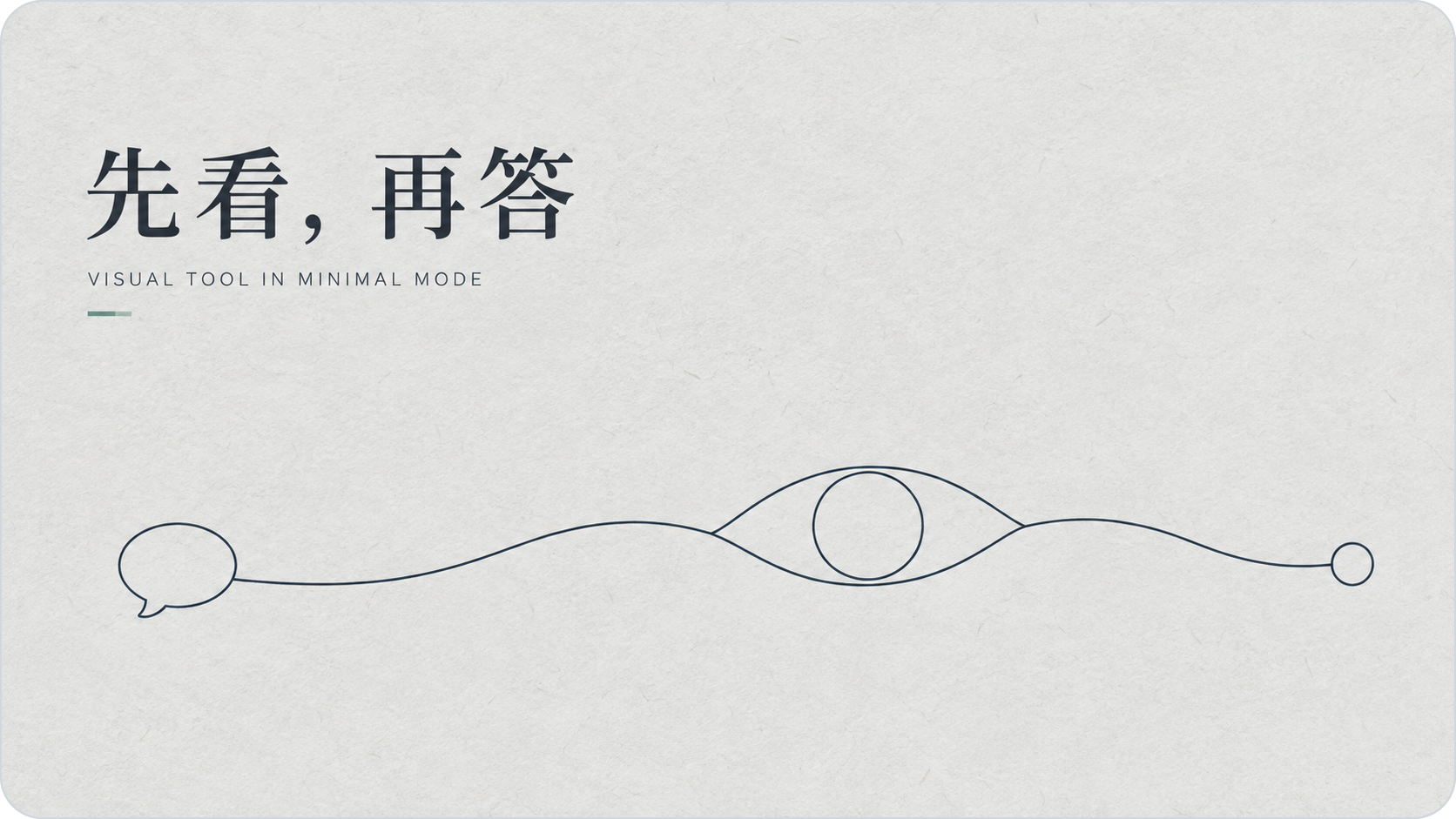
该视觉插件不是新的聊天模型,也不是第三个常驻工具。它只在需要时,通过隐藏上下文和 Bash 进入 Agent 工作流。
为什么基于极简模式?
极简模式的优势不只是工具少,更重要的是首轮请求拥有干净、稳定的 system prompt 和工具面。测试中观察到要触发 DS 的灰测行为水平依赖这个起点;额外 system prompt、聊天工具或视觉模型注册都可能改变它。
本插件不改写极简模式的 system prompt,也不注册新的聊天模型。视觉说明、图片路径和文档路径作为一条默认折叠的 context 与用户消息一起进入,原有两个工具保持不变,在尽量保留极简模式行为的同时提供识图能力。
| 设计约束 | 实现方式 |
|---|---|
| 保持原始工具面 | 继续只向模型暴露 persistent-bash 和 str_replace_editor |
| 避免污染 system prompt | 用折叠 context 提供附件路径和调用说明 |
| 视觉按需触发 | Agent 判断需要视觉证据时,通过 Bash 调用 dsh-vision |
| 分离文档处理 | PDF、Word、PPT 的读取、导出、裁剪、拼图和编辑仍由 Agent 完成 |
🧭 工作流程
- 用户在
vision-assist模式中拖入图片或文档。 - 图片由
sharp自动纠正方向、铺平透明背景,并将长边限制为 1600 px;PDF、DOC、DOCX、PPT、PPTX 原样保存。 - 插件把本地附件路径放入隐藏 context,用户消息气泡保持干净。
- Agent 自行判断如何用 Bash 读取或导出文档,并在需要视觉证据时调用视觉模型。
支持 PNG、JPEG、WebP、GIF、PDF、DOC、DOCX、PPT 和 PPTX;一次最多处理 4 张图片。“测试连接”只发送最小纯文本请求,不上传附件。Vision 配置独立存在,不会出现在聊天模型列表。
附件在发送时写入 $DSH_HOME/cache/dsh-tool-vision/ 本地缓存,隐藏 context 只包含本地路径。文档本身不会直接发送到视觉接口;只有 Agent 调用 dsh-vision 时指定的图片才会发送给已配置的视觉服务。
📦 安装
⚠️ 兼容性提示:当前版本暂未适配原生 Windows PowerShell,仅支持 Bash 环境;已在 Ubuntu 和 WSL2 下通过测试。Windows 用户请暂时在 WSL2 内安装并运行 DSH 与本插件,原生 Windows PowerShell 支持即将推出。
git clone https://github.com/Flora233333/dsh-minimal-vision.git
cd dsh-minimal-vision
npm install
dsh plugin --profile web add .
dsh web
启动后选择“视觉辅助模式”,并在“设置 -> Vision”中完成配置。
配置
| 字段 | 说明 |
|---|---|
| API protocol | OpenAI Completions 或 Gemini |
| Base URL | 视觉模型服务商提供的接口地址 |
| Model | 视觉模型 ID |
| API Key | 由 DSH 凭据服务保存为 VISION_API_KEY |
插件没有写死服务商地址。CLI 每次读取 $DSH_HOME/settings.yaml 和 $DSH_HOME/.credentials.yaml;环境变量 VISION_API_KEY 优先级更高。
手动调用
"${DSH_HOME:-$HOME/.dsh}/bin/dsh-vision" \
  analyze --task custom --instructions "描述图中可见内容" -- /path/to/image.png
内置任务:custom、slide_review、figure_semantics、caption_grounding、flowchart_extract。PPT/PPTX/PDF 需要先由 Agent 导出为图片。
开发
npm install
npm run check
npm test
请勿提交 node_modules/、.playwright-cli/、.env 或任何 DSH 凭据文件。
Project files and signals
Shown items are public repository signals detected in the directory snapshot.
Repository information
- Language
- JavaScript
- License
- MIT
- Last updated
- Aug 18, 2026, 3:35 PM
Install deliberately
Review source code, permissions, lifecycle hooks, dependencies and network access. Test untrusted plugins in an isolated environment.