Installation
npx -y @deepseek-ai/dsh plugin --profile web add github:kolawong/dsh-plugin-auth-webserverThis installation command is an unverified starting point generated from the GitHub repository address.
README
Maintainer-authored documentation snapshot.
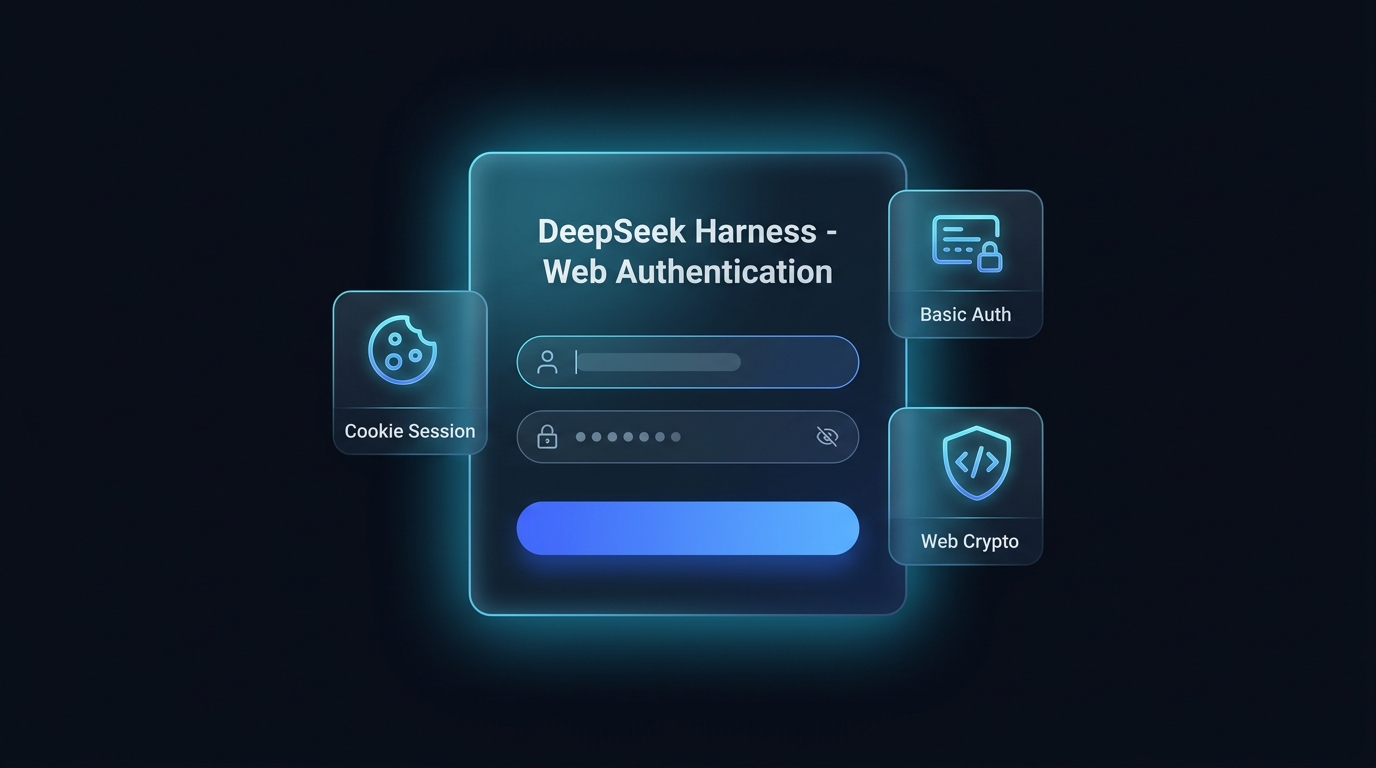
dsh-plugin-auth-webserver



Native Web authentication bundle for DeepSeek Harness (DSH). Give your self-hosted deployment a DSH-styled web login page, cookie sessions, Basic Auth fallback, a Web UI settings card, and a Web Crypto polyfill — in English and Simplified Chinese.
简体中文 | English
Features
- DSH-themed web login page
- Replaces native browser authentication popups with a dark, glassmorphism login interface matching DeepSeek Harness's design system.
- Bilingual (English / Simplified Chinese, following the browser's language), password show/hide toggle, error animations, Enter-to-submit, responsive on mobile and desktop.
- HMAC cookie sessions and logout
- Issues 30-day cryptographically signed HMAC session tokens on login.
- Dedicated
/api/auth.logoutendpoint and a Web UI logout button.
- Web GUI settings card
- Live configuration in the DSH Web UI (Settings -> Plugins -> Web authentication).
- Hot-updates credentials in memory instantly and persists them to a plugin-owned state file under
$DSH_HOME/plugins/dsh-plugin-auth-webserver/, so they survive restarts without touching your config layers.
- Dual-mode authentication and WebSocket protection
- Prefers web form / cookie sessions while staying backward-compatible with
HTTP Basic Authfor CLI tools,curl, and automated API clients. - Full authentication coverage for both HTTP routes and WebSocket (
upgrade) channels.
- Prefers web form / cookie sessions while staying backward-compatible with
- Remote IP privileged RPC trust delegation
- Normalizes request
HostandOriginheaders for authenticated sessions, eliminating HTTP 403 errors when accessing privileged RPC endpoints via a public IP.
- Normalizes request
- Web Crypto UUID auto-polyfill
- Injects a safe UUID generator into the HTML
<head>for non-HTTPS and direct-IP environments, preventing client-side crashes.
- Injects a safe UUID generator into the HTML
Installation
Install the bundle into a profile with dsh plugin:
# From a git host (pin a commit so later pushes cannot change what runs):
dsh plugin --profile web add github:kolawong/dsh-plugin-auth-webserver#<commit-sha>

# Or from a tarball / npm registry once published:
dsh plugin --profile web add ./dsh-plugin-auth-webserver-0.3.0.tgz
dsh plugin --profile web add dsh-plugin-auth-webserver
The package declares dsh.bundle, so dsh plugin appends it to the
profile's bundle list automatically; its patch disables the stock
webserver row and inserts the auth-gated server. Then boot:
dsh --profile web
Open http://your-server-ip:3080 to see the login page.
Configuration
Every option has a default; override the webserver-auth row in your
profile's own patch ($DSH_HOME/profiles/web/cordis.patch.yml), which is
applied after every bundle layer:
- id: webserver-auth
  config:
    host: '0.0.0.0'
    port: 3080
    username: 'admin'
    password: 'your_secure_password'
Changes made in the Web UI settings card apply immediately and are stored
in $DSH_HOME/plugins/dsh-plugin-auth-webserver/state.json (mode 0600).
Environment variables DSH_AUTH_USER and DSH_AUTH_PASS override both the
config and the saved state.
| Option | Type | Default | Description |
|---|---|---|---|
host | string | '0.0.0.0' | Listening interface (0.0.0.0 or 127.0.0.1). |
port | number | 3080 | HTTP/WebSocket listen port. |
username | string | 'admin' | Authentication username. |
password | string | '' | Authentication password (leave empty to disable authentication). |
realm | string | 'DeepSeek Harness Authentication' | Realm string used for fallback Basic Auth. |
API endpoints
POST /api/auth.login— Authenticate and receive a session cookie ({ username, password }).POST /api/auth.logout— Invalidate the current session and clear the cookie.GET /api/auth.get— Retrieve the current username, password, and realm (requires authentication).POST /api/auth.update— Live-update credentials and persist them (requires authentication).
License
MIT License © 2026 kola
Repository information
- Language
- JavaScript
- License
- MIT
- Last updated
- Aug 18, 2026, 9:06 AM
Install deliberately
Review source code, permissions, lifecycle hooks, dependencies and network access. Test untrusted plugins in an isolated environment.