Installation
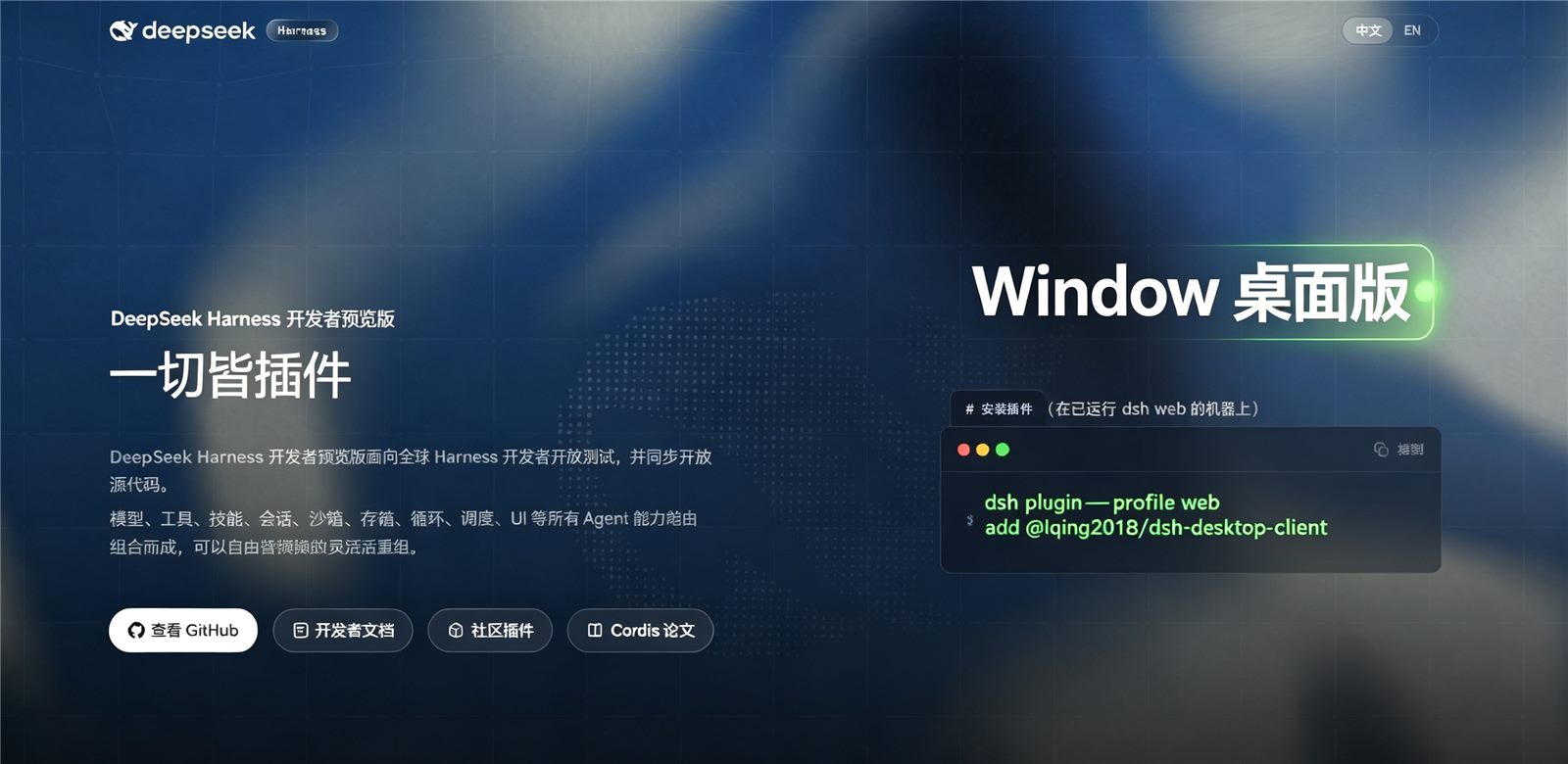
npx -y @deepseek-ai/dsh plugin --profile web add github:LQing2018/dsh-desktop-clientThis installation command is an unverified starting point generated from the GitHub repository address.
README
Maintainer-authored documentation snapshot.
🐳 DeepSeek Harness for Windows
The Windows desktop client for DeepSeek Harness — no Node.js / npm / server setup required. Double-click and go.





English · 中文
⚠️ Platform note: Windows only
This client supports Windows 10/11 (x64) only - it does not run on macOS / Linux.
💡 For Mac users: the official DSH itself is cross-platform - run
npx dsh webin a terminal and openhttp://127.0.0.1:3080in a browser for the same experience.
What is this?
The official DeepSeek Harness ships as a browser Web UI and a CLI. This project is its Windows desktop edition: the same DSH, wrapped in a native Windows window with the whole runtime (Node + DSH server + UI) bundled together, ready out of the box.
Puts the DeepSeek Harness local Web UI into a native Windows window, bundled with the whole runtime (Node + DSH server + UI) in one package:
- For end users: download → double-click → add your API key → start chatting. No terminal required.
- For the agent: the companion
@lqing2018/dsh-desktop-clientplugin lets the harness agent locate and launch the desktop client for you.
Features
| Feature | Description |
|---|---|
| ⚡ Zero setup | Node runtime, server and UI ship together — no Node.js / npm / services to install |
| 📦 Two flavors | Single-file installer (recommended) or portable ZIP (USB-friendly) |
| 🔧 Self-managed server | Client starts a hidden background server automatically; port conflicts handled |
| 🐳 Native window | WebView2 engine + whale icon, no browser chrome |
| 🤖 Companion plugin | Agent can check / launch the client via the desktop_client tool |
Quick start (2 minutes)
Option A: Single-file installer (recommended)
- Open Releases and download
DeepSeek-Harness-Setup.exe - Double-click it — it extracts to
%LOCALAPPDATA%\DeepSeek-Harness-Portableand launches the client - First launch initializes the local server (30–60 s, that's normal) — please wait
- Click Settings (gear) → Models in the top-right and add your model API key (e.g. DeepSeek API)
- 🎉 Start chatting. Every later launch is instant.
Option B: Portable ZIP (USB / no install)
- Download
DeepSeek-Harness-Portable.zip - Unzip anywhere (USB drive works)
- Run
DeepSeek Harness.exeinside the folder — same steps as above
Requirements: Windows 10 / 11 (x64) with the WebView2 Runtime (bundled with Edge / Win11; install here if missing)
First-run walkthrough
- Download — see Quick start above
- Launch — a whale-icon window appears; the first start initializes the local server (the window shows up by itself after a short wait)
- Add your API key — Settings (gear icon) → Models, add a model and paste your key (DeepSeek, OpenAI-compatible, etc.)
- Chat — type in the input box. Long-running tasks keep running in the background; multiple sessions are supported
Detailed step-by-step guide: User Guide
Daily usage
| Action | How |
|---|---|
| Open the client | Desktop shortcut, or DeepSeek Harness.exe in the install folder |
| Close the window | Click ✕ — the server keeps running (background tasks aren't interrupted) |
| Stop the server | Double-click stop-server.cmd in the install folder (only kills the server the client spawned) |
| Change port | Create client.json in the install folder: {"port": 1234} |
| Where is my data | Sessions live in dsh-home\sessions; API keys in dsh-home (don't share the folder) |
| Move / backup | Copy the whole folder; after moving, delete dsh-home once and it rebuilds automatically |
Companion plugin
Let the DeepSeek Harness agent operate the desktop client (check / launch / auto-install / update):
dsh plugin --profile web add @lqing2018/dsh-desktop-client
Then just ask:
| You say | What the agent does |
|---|---|
| "Is the desktop client installed?" | status: check install + server port |
| "Open the desktop client" | launch: open the client window |
| "Install the desktop client for me" ⭐ | install: download the latest release and install silently - zero manual steps |
| "Is there a new version?" | version: compare local vs latest GitHub release |
| "Update the desktop client" | update: upgrade to the latest release |
On blocked networks
installfails gracefully and returns the manual download URL.
Prefer no npm plugin? A filesystem Skill form is also available:
git clone https://github.com/LQing2018/dsh-desktop-client.git
Copy-Item -Recurse dsh-desktop-client\skills\dsh-desktop-client "$env:USERPROFILE\.dsh\skills\"
Then say "use the dsh-desktop-client skill" in a DSH conversation.
FAQ
| Problem | Solution |
|---|---|
| Nothing happens / white screen | Make sure WebView2 Runtime is installed; retry after disabling antivirus interception |
| First launch is slow | Normal — first boot initializes the local server (30–60 s); later launches are instant |
| Port already in use | Change it via client.json (see Daily usage) |
| Fails after moving the folder | Delete the dsh-home folder once; it rebuilds on next launch |
| Forgot API key / switch account | Re-enter it in Settings → Models |
| How to upgrade | with the plugin: just say "update the desktop client"; or re-run the Setup installer (overwrites in place) |
| How to fully uninstall | See below |
Uninstall
- Installer edition: delete the whole
%LOCALAPPDATA%\DeepSeek-Harness-Portablefolder - Portable edition: delete the whole unzipped folder
- Plugin:
dsh plugin --profile web remove @lqing2018/dsh-desktop-client
Docs
| Doc | Content |
|---|---|
| User Guide | Install, configure, daily use, troubleshooting |
| 用户指南 | 中文详细图文指南 |
| PUBLISH.md | Maintainers: release flow (npm / GitHub / plugin marketplace) |
Development
# Build the portable client folder from a local DeepSeek Harness install
.\scripts\build-portable.ps1 -Source D:\path\to\deepseek-harness -OutDir .\dist
plugin/dsh-desktop-client/— npm plugin source (pure ESM, zero build)scripts/build-portable.ps1— portable-folder build script- The WebView2 client (C#) sources are tracked in the
dist/artifacts and the client plan doc
Relationship to the official project
Built on deepseek-ai/deepseek-harness, which provides the core agent capabilities, plugin system and Web UI. This project adds the Windows desktop shell (window, local server hosting, no-install packaging) and the companion client-management plugin.
Star History
License
MIT
Project files and signals
Shown items are public repository signals detected in the directory snapshot.
Repository information
- Language
- JavaScript
- License
- MIT
- Latest release
- v0.1.0
- Last updated
- Aug 16, 2026, 7:49 AM
Install deliberately
Review source code, permissions, lifecycle hooks, dependencies and network access. Test untrusted plugins in an isolated environment.