Installation
npx -y @deepseek-ai/dsh plugin --profile web add github:polarskicpl/dsh-codex-migrateThis installation command is an unverified starting point generated from the GitHub repository address.
README
Maintainer-authored documentation snapshot.
dsh-codex-migrate
中文
把 Codex CLI 的历史迁移进 DeepSeek Harness(DSH):
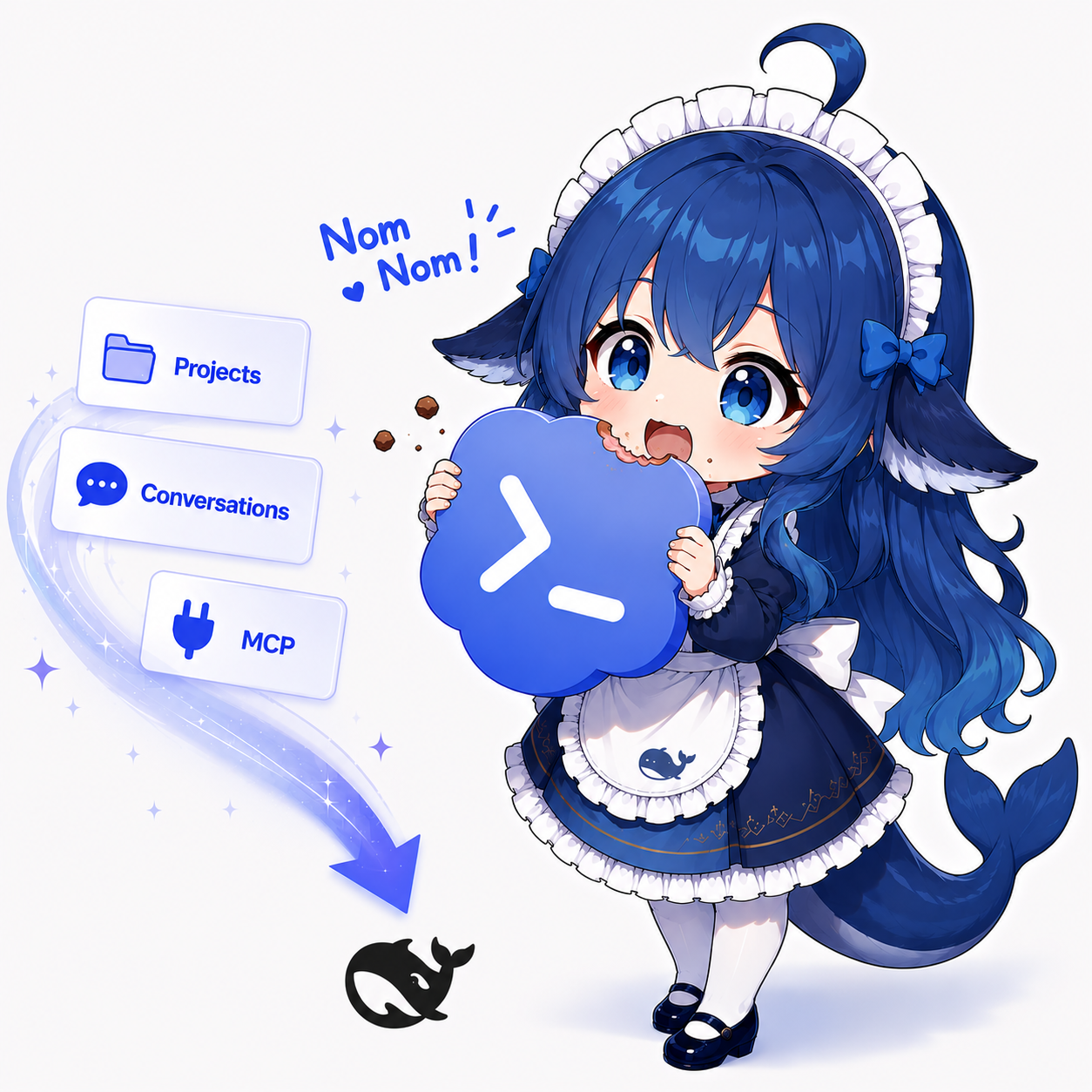
- 对话 → 真正的 DSH 会话:用户轮次、助手轮次与工具调用按 DSH 原生事件格式 转换(工具卡片默认折叠),按项目挂载到对应工作区,侧边栏直接可见、可续聊。
- MCP 服务器 → 注册行:
config.toml的[mcp_servers.*]变成@deepseek-ai/dsh-mcp-clientcordis 行,并生成一段可直接复制给任意 agent 的 注册提示词,让 agent 帮你完成注册。 - 记忆与 AGENTS.md:复制到输出目录。
- 项目文件(可选):按项目复制文本文件。
内置中英双语(界面跟随 DSH 语言;生成产物跟随 language 配置)。
安装
dsh plugin --profile web add dsh-codex-migrate
(或手动把 cordis.patch.yml 里的行合并进你的 profile patch),然后重启 DSH。
设置面板位于 设置 → Codex 迁移。
包发布在 npm:dsh-codex-migrate
(dsh plugin add 按包名从 npm registry 拉取;源码见
GitHub 仓库)。
配置
| 键 | 默认 | 含义 |
|---|---|---|
codexDir | '' | Codex 数据目录;留空 = 自动检测(~/.codex) |
outputDir | '' | 产物目录;留空 = <DSH_HOME>/codex-sync |
language | en | 生成产物的语言:en | zh | auto(跟随界面语言) |
sessionMode | new | all | new | selected |
projectMode | all | all | selected |
includeSubagentSessions | false | 子智能体线程默认隐藏 |
importAsDshSessions | true | 生成真正的 DSH 会话(取消则只出 Markdown) |
| … | 频率、上限、MCP/记忆开关等,见 cordis.patch.yml |
生成产物(outputDir)
codex-sync/
├── config.json / state.json / diagnostics.json
├── index.md                     # 会话索引
├── sessions/*.md                # 每个会话的 Markdown
├── projects/                    # 可选的项目文件副本
├── memories/ , AGENTS.md
└── mcp/
    ├── cordis-mcp-rows.yml      # 可直接合并的 insert 块
    ├── report.md
    └── register-prompt.md       # 发给任意 agent 即可完成注册
安全边界
这是一个宿主插件:运行在 DSH 进程中,没有会话级沙箱。它只写
outputDir 内部、只读 Codex 目录。注册迁移过来的 MCP 之前请先审阅你的
Codex MCP 配置——注册后这些工具对会话内所有 agent(含子代理)可见;SSH 类
服务器建议使用命令白名单(--whitelist / commandWhitelist)而非黑名单。
开发
npm run build # 把浏览器面打包成 lib/client.js
宿主面是纯 ESM,无需构建;浏览器面把 src/client/index.js 包装成 DSH Web 外壳
消费的 window.__ModuleLoader__.load 形式(运行时 require 由装载器的模块表解析)。
许可证
MIT
English
Migrate your Codex CLI history into DeepSeek Harness (DSH):
- Conversations → real DSH sessions: user turns, assistant turns and tool calls are converted into native DSH event format (tool cards collapse by default), mounted into per-project workspaces, and appear in the sidebar.
- MCP servers → registration rows:
config.toml[mcp_servers.*]entries become@deepseek-ai/dsh-mcp-clientcordis rows, plus a copy-paste registration prompt you can hand to any agent to complete the registration for you. - Memories & AGENTS.md: copied into the output directory.
- Project files (optional): text files copied per project.
English and Chinese are both built in (UI follows the DSH locale; generated
artifacts follow the language config).
Install
dsh plugin --profile web add dsh-codex-migrate
(or add the row from cordis.patch.yml to your profile patch manually), then
restart DSH. The settings panel appears under Settings → Codex Migration.
The package is published on npm:
dsh-codex-migrate
(dsh plugin add resolves the name from the npm registry; source lives in the
GitHub repository).
Configure
| Key | Default | Meaning |
|---|---|---|
codexDir | '' | Codex data dir; empty = auto-detect (~/.codex) |
outputDir | '' | Where artifacts live; empty = <DSH_HOME>/codex-sync |
language | en | en | zh | auto (follow UI locale) for generated artifacts |
sessionMode | new | all | new | selected |
projectMode | all | all | selected |
includeSubagentSessions | false | Subagent threads are hidden by default |
importAsDshSessions | true | Create real DSH sessions (uncheck for Markdown-only) |
| … | frequency, caps, MCP/memories toggles — see cordis.patch.yml |
Generated artifacts (outputDir)
codex-sync/
├── config.json / state.json / diagnostics.json
├── index.md                     # session index
├── sessions/*.md                # per-session Markdown
├── projects/                    # optional project file copies
├── memories/ , AGENTS.md
└── mcp/
    ├── cordis-mcp-rows.yml      # DSH-ready insert block
    ├── report.md
    └── register-prompt.md       # paste to any agent to finish registration
Security boundary
This is a host plugin: it runs in the DSH process without a per-session
sandbox. It only writes inside outputDir and only reads the Codex
directory. Review your Codex MCP config before registering migrated MCP
servers — after registration those tools are visible to every agent in a
session, including subagents. For SSH-style servers prefer a command
whitelist (--whitelist / commandWhitelist) over a blacklist.
Development
npm run build # bundles the client half into lib/client.js
The host half is plain ESM and needs no build step. The client half wraps
src/client/index.js into the window.__ModuleLoader__.load form consumed by
the DSH web shell (runtime requires are resolved by the loader's module table).
License
MIT
Repository information
- Language
- JavaScript
- License
- MIT
- Latest release
- latest
- Last updated
- Aug 15, 2026, 2:01 PM
Install deliberately
Review source code, permissions, lifecycle hooks, dependencies and network access. Test untrusted plugins in an isolated environment.