Installation
npx -y @deepseek-ai/dsh plugin --profile web add github:Vim0x3c/dsh-skin-appearanceThis installation command is an unverified starting point generated from the GitHub repository address.
README
Maintainer-authored documentation snapshot.
dsh-skin-appearance
English | 中文
这是一个面向 DeepSeek Harness 的外观插件。 它保留 Harness 原生控件,只在设置中增加「外观定制」页面,提供:
- DeepSeek 娘、QQ2008 水晶蓝、云海实验室、山海算境、深海星港、深海鲸歌和两套智能星图,共八套内置主题;
- 本地背景图片选择,并在写入设置前自动缩小压缩;
- 从上传图片自动提取主色、辅色、面板色和文字色,并联动浅色/深色外观;
- 独立的背景透明度和模糊控制,默认透明度 100%、模糊 0 px;
- 由 Host 设置文档支持的跨重启持久化;
- 一键还原原生 Harness 外观。
主题预览
| DeepSeek娘·深海回响 | QQ2008·水晶蓝 |
|---|---|
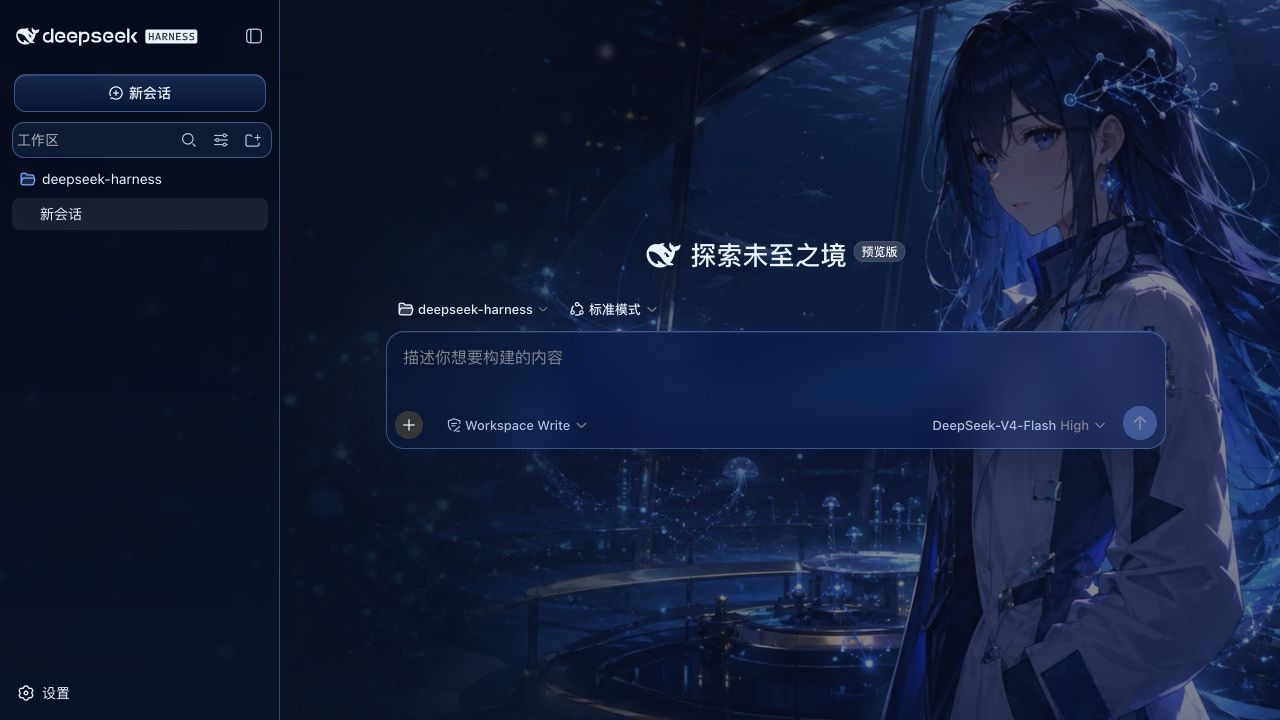 | 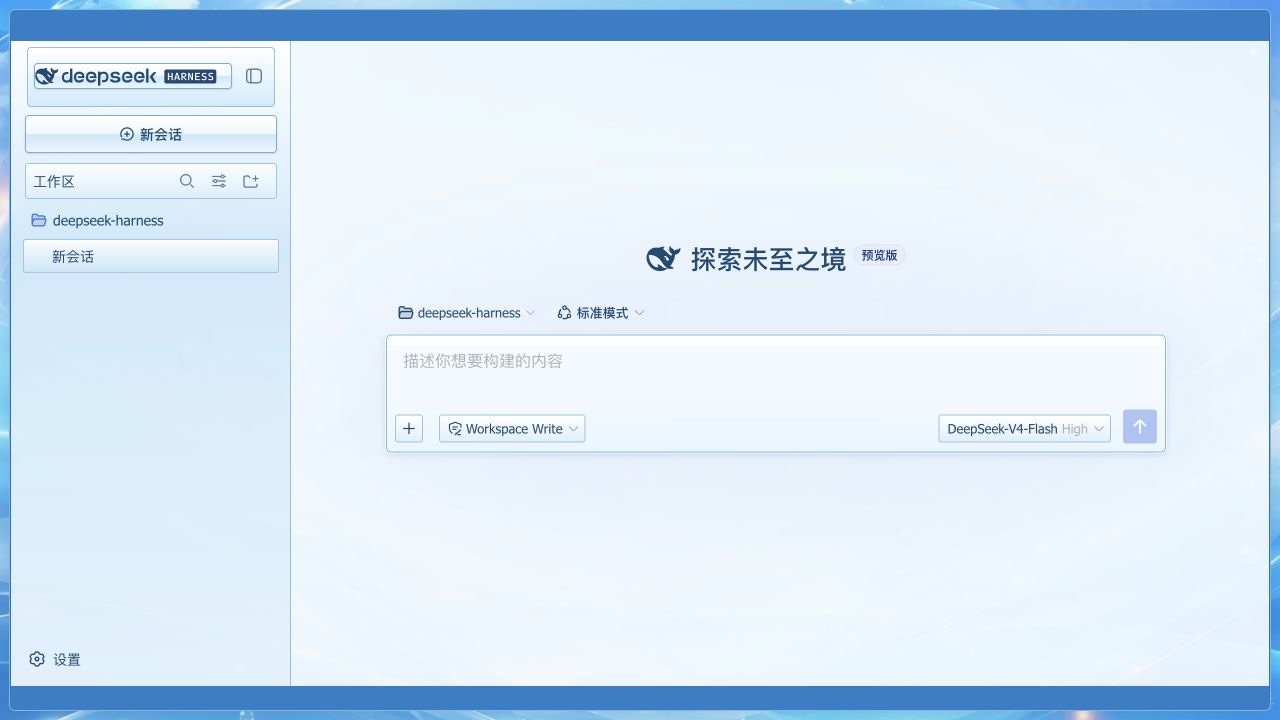 |
| 云海实验室 | 山海算境 |
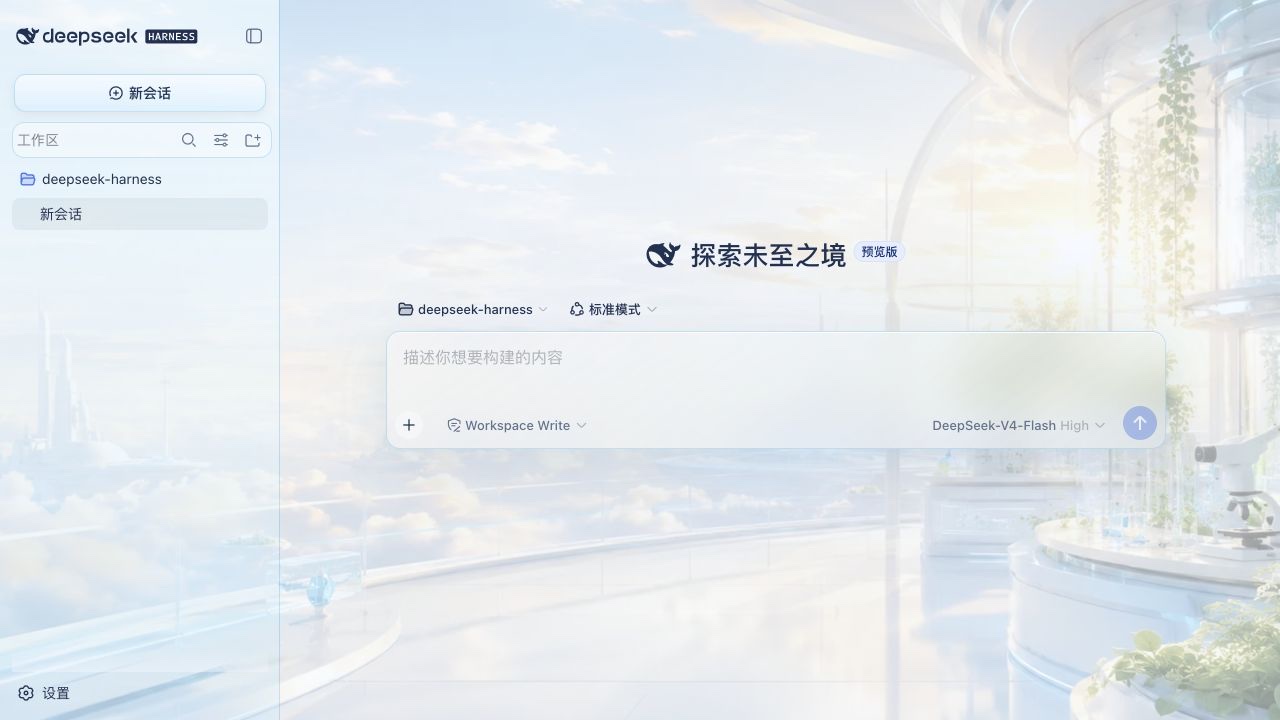 | 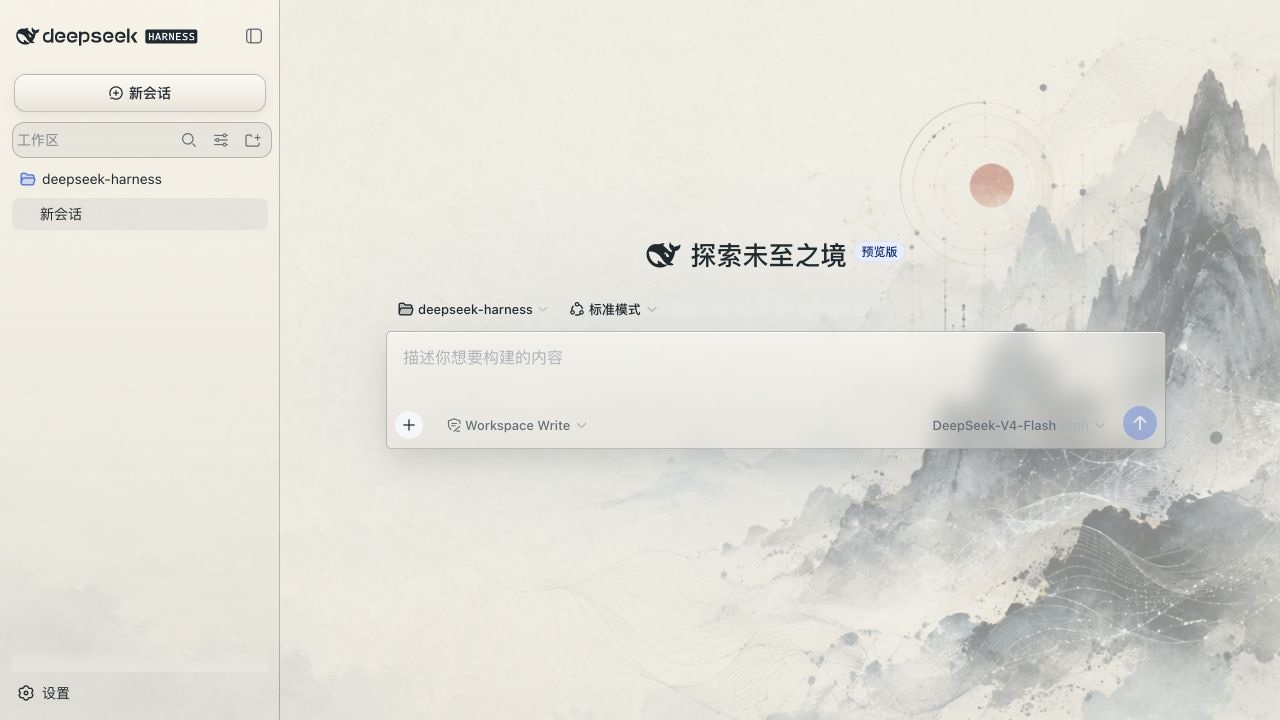 |
| 深海星港 | 深海鲸歌 |
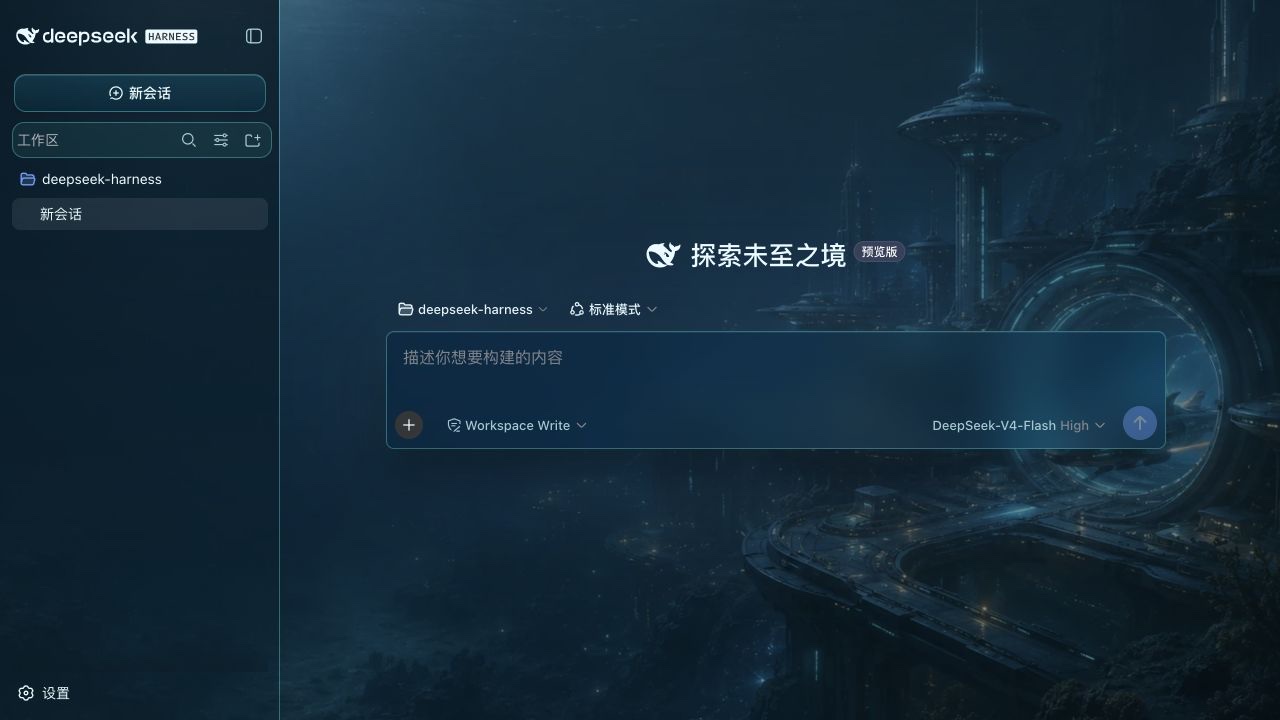 | 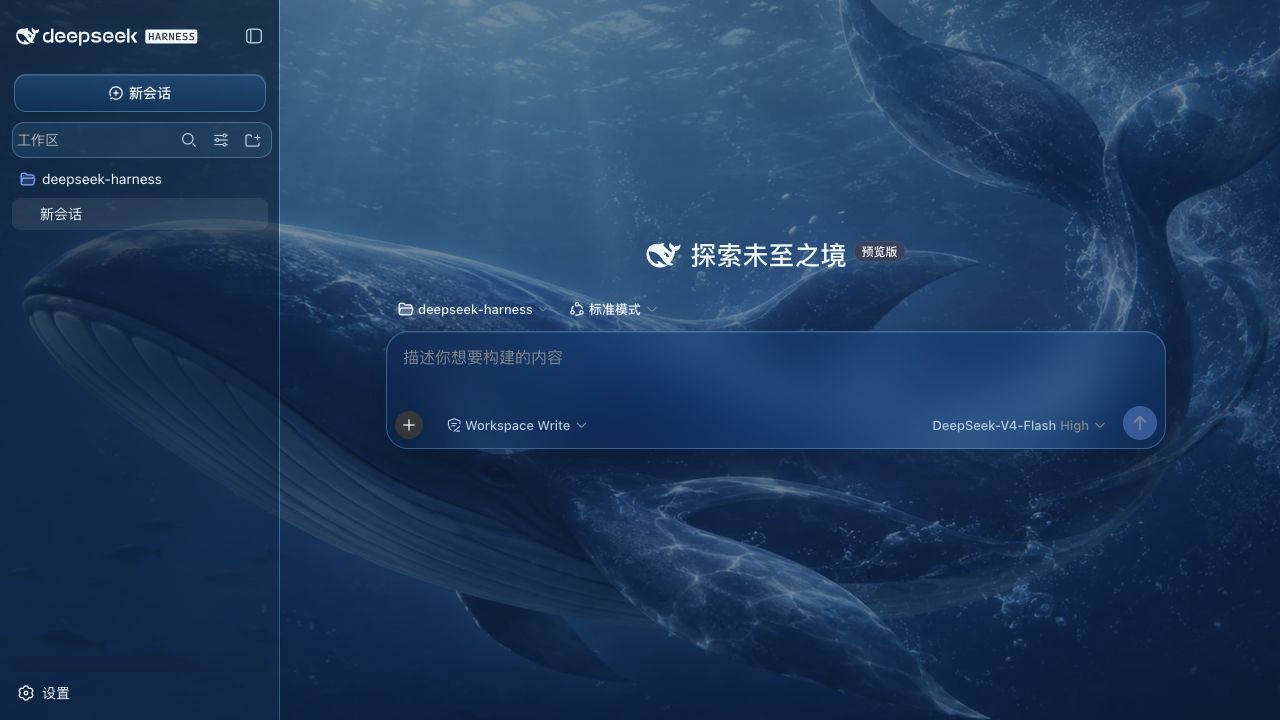 |
| 智能星图·墨 | 智能星图·曦 |
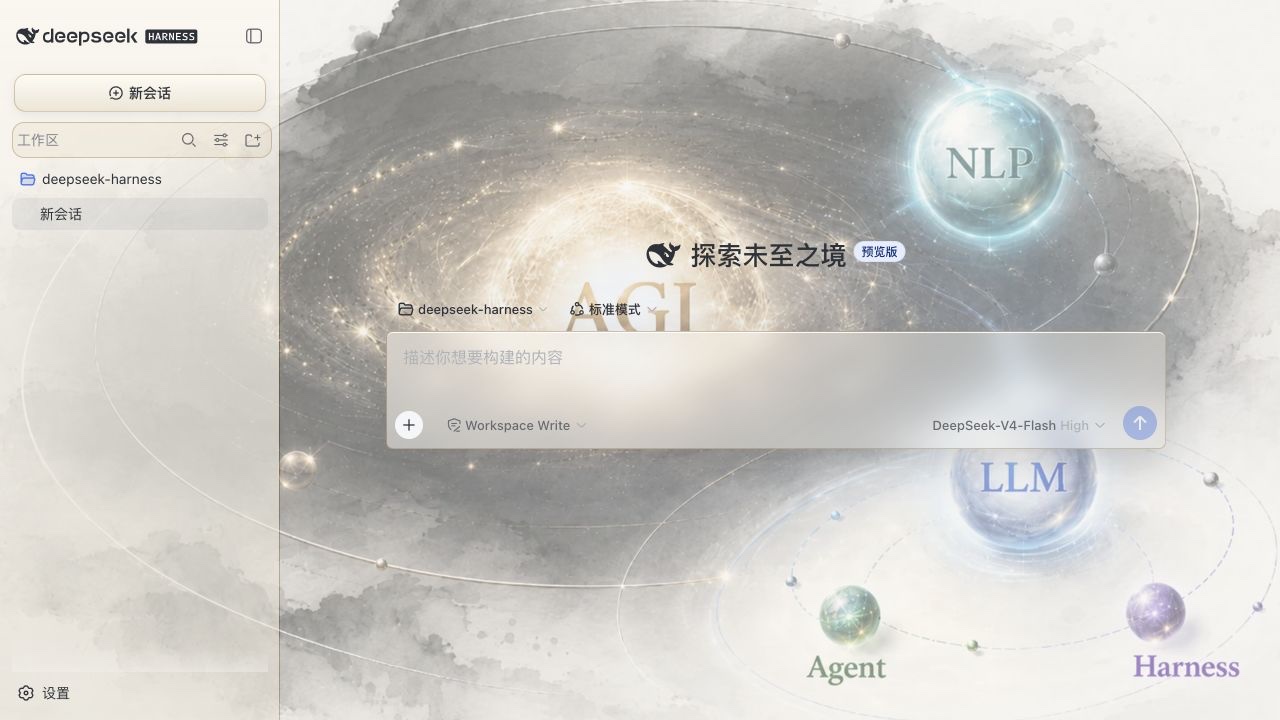 | 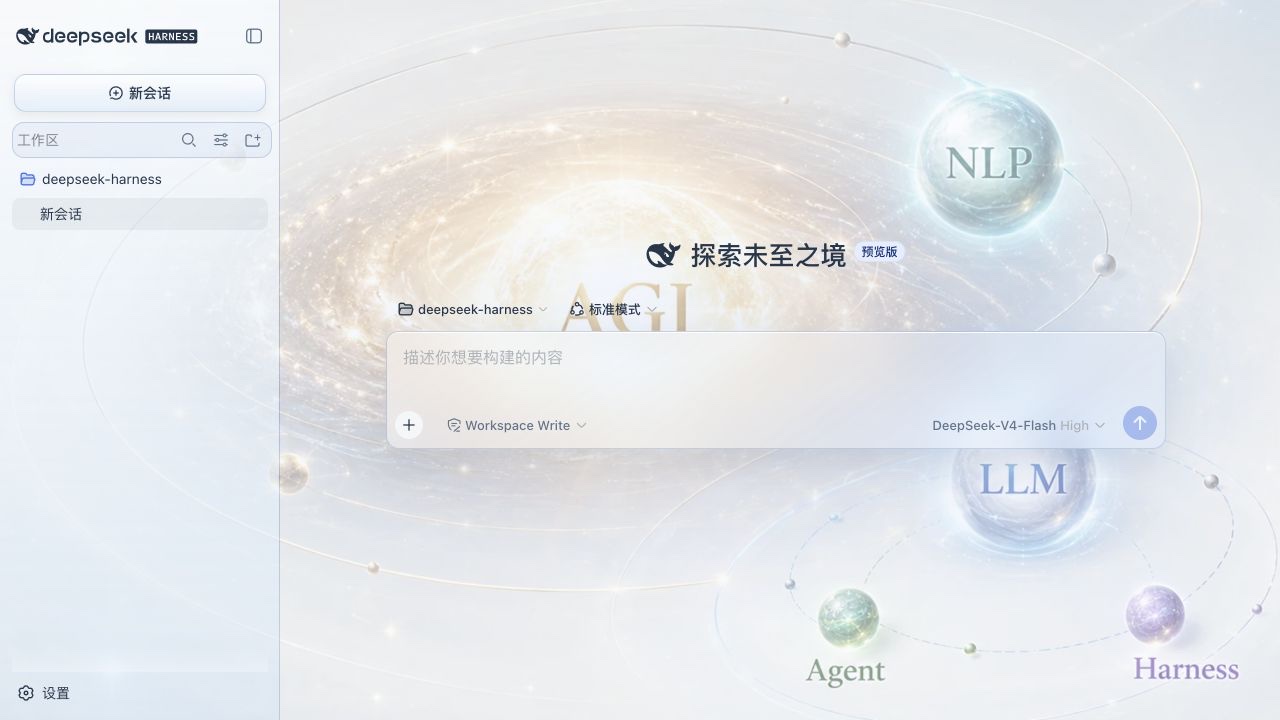 |
安装
插件是一个 dsh bundle,可以用 Harness CLI 安装到 web profile:
dsh plugin --profile web add /path/to/dsh-skin-appearance
dsh web
包中的 dsh.bundle.patch 会把插件加入 profile 的配置层。下次启动 Web 时,dsh.client 声明会让 Harness 发现浏览器 bundle,设置页面中就会出现「外观定制」。
如果插件已经发布到包仓库,可以把本地路径换成包名:
dsh plugin --profile web add dsh-skin-appearance
实现说明
Node 半边通过 Harness settings 服务注册 appearance 设置命名空间。浏览器半边通过 ctx.theme 注册调色板,通过 settings.section slot 注册设置页,并维护一个覆盖整个应用根节点的背景图片层。会话区、左侧工作区和右侧详情区使用不同强度的半透明表面,让同一张壁纸贯穿整个界面。背景层不使用 backdrop-filter,而是用渐变和半透明表面维持文字对比度,避免流式输出和滚动时触发整页重复合成。
上传图片会先解码,再按长边 1600 像素上限压缩成 JPEG data URL;独立的 48 像素采样画布会提取主色、色相分离的辅色、可读面板色和文字色,并判断应使用浅色还是深色外观。预设配色由 Harness theme runtime 管理,选择「默认」会交还内置的跟随系统偏好。
开发
这个目录采用 Harness 独立 client 插件的构建结构:
pnpm install
pnpm build
要在 Harness 源码 checkout 中联调,先构建 Harness,再把本目录安装到 web profile:
cd /path/to/deepseek-harness
pnpm install
pnpm build
dsh plugin --profile web add /path/to/dsh-skin-appearance
dsh web
Harness 服务被声明为 peer dependency,确保插件和宿主共用同一个 Cordis、settings、theme、React 实例,避免浏览器 bundle 内联出重复的服务身份。
许可证
MIT。
Project files and signals
Shown items are public repository signals detected in the directory snapshot.
Repository information
- Language
- TypeScript
- License
- MIT
- Last updated
- Aug 14, 2026, 10:23 PM
Install deliberately
Review source code, permissions, lifecycle hooks, dependencies and network access. Test untrusted plugins in an isolated environment.