Installation
npx -y @deepseek-ai/dsh plugin --profile web add github:xiuxxx0/deepseek-harness-desktopThis installation command is an unverified starting point generated from the GitHub repository address.
README
Maintainer-authored documentation snapshot.
DeepSeek Harness 桌面版


DeepSeek Harness 的 Windows 桌面外壳(Desktop shell)。基于系统自带的 WebView2 承载 Web UI,自动拉起并管理本地服务,内置品牌启动画面,双击即用。
下载
从 Releases 下载最新版本 DeepSeek-Harness-Desktop-0.1.0-win64.zip,解压后将 exe 与三个 DLL 复制到 DeepSeek Harness 主仓库根目录,双击运行。
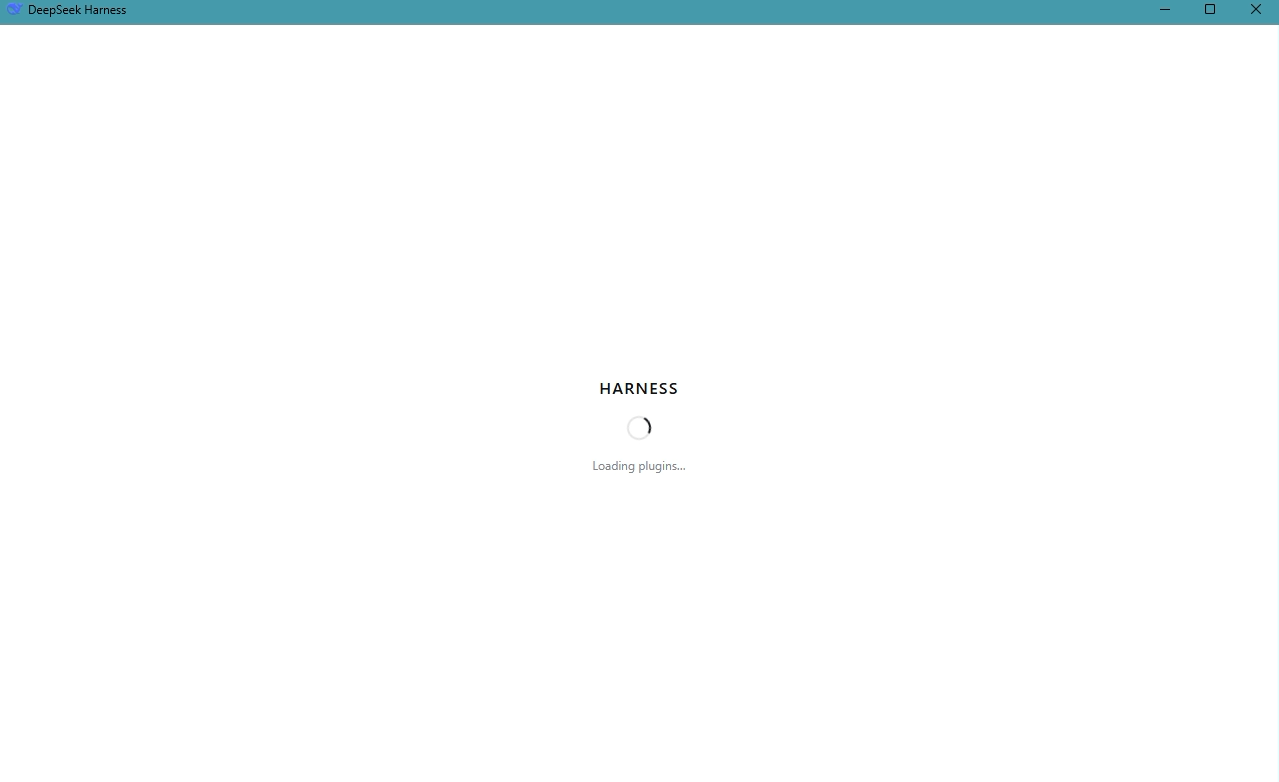
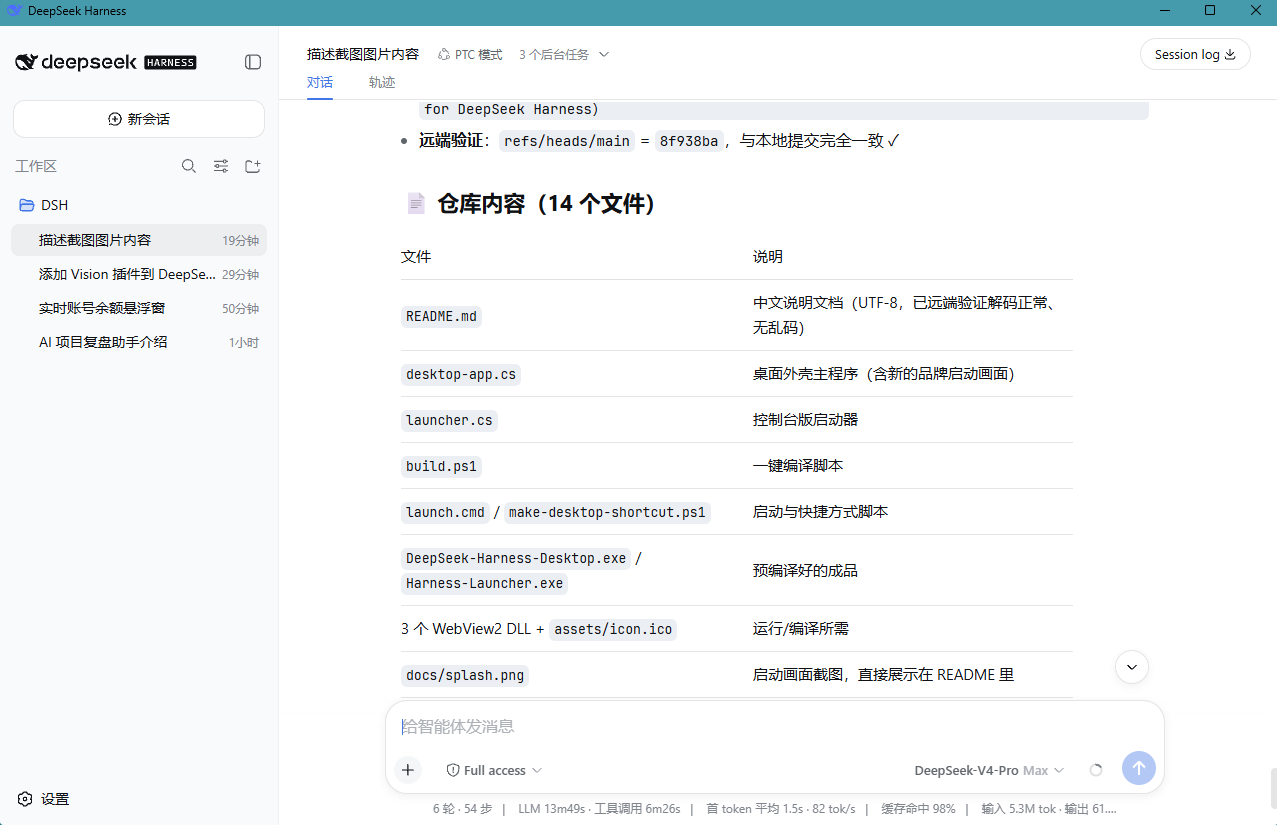
启动画面与主界面:
功能特性
- 原生桌面窗口承载 DeepSeek Harness Web UI(http://127.0.0.1:3080)
- 品牌启动画面全程显示:浅色背景 + HARNESS 字标 + "Loading plugins…",与 Web 端启动页视觉一致,无深色闪屏、无白屏闪烁
- 服务自动拉起:启动时自动运行
pnpm dsh web,退出时仅结束本外壳启动的服务,不影响其他已运行的服务 - 服务已就绪时直接接管页面,不会重复启动
- 服务 120 秒未就绪时弹出超时提示
环境要求
- Windows 10 / 11(系统自带 WebView2 Runtime)
- DeepSeek Harness 主仓库(本外壳需与它放在一起使用)
- Node.js 与 pnpm(主仓库依赖)
快速使用
- 下载最新发行版的 zip,或直接使用本仓库中的
DeepSeek-Harness-Desktop.exe。 - 将
DeepSeek-Harness-Desktop.exe与三个 DLL(Microsoft.Web.WebView2.Core.dll、Microsoft.Web.WebView2.WinForms.dll、WebView2Loader.dll)复制到 deepseek-harness 主仓库的根目录。 - 双击 exe 运行:先显示品牌启动画面,随后自动拉起
pnpm dsh web,服务就绪后自动进入界面。 - (可选)运行
make-desktop-shortcut.ps1,在桌面生成快捷方式。
自行编译
使用 Windows 自带的 .NET Framework csc 编译器即可,无需安装其他工具:
.\build.ps1
或手动编译:
csc /nologo /optimize+ /target:winexe /platform:x64 /out:"DeepSeek-Harness-Desktop.exe" /win32icon:assets\icon.ico /r:System.Windows.Forms.dll /r:System.Drawing.dll /r:Microsoft.Web.WebView2.Core.dll /r:Microsoft.Web.WebView2.WinForms.dll desktop-app.cs
与官方项目的关系
本项目基于 deepseek-ai/deepseek-harness 构建。核心能力、插件系统和 Web UI 均来自官方项目,本外壳只负责:
- 桌面窗口封装
- 本地服务生命周期管理
- 启动画面与桌面集成
- Windows 可执行文件构建与发行
如需通过命令行运行 Harness 或参与核心功能开发,请前往官方仓库。
文件说明
| 文件 | 说明 |
|---|---|
desktop-app.cs | 桌面外壳主程序:WebView2 窗口、品牌启动画面、服务自动拉起与回收 |
launcher.cs | 控制台版启动器(可选),启动服务并打开系统浏览器 |
build.ps1 | 一键编译脚本(输出 exe 到当前目录) |
launch.cmd | 命令行启动脚本(可选) |
make-desktop-shortcut.ps1 | 在桌面生成快捷方式 |
assets/icon.ico | 应用图标 |
LICENSE | MIT 许可证 |
License
本项目遵循 MIT License。WebView2 相关 DLL 来自 Microsoft WebView2 SDK。
本项目是基于 DeepSeek Harness 构建的社区桌面外壳,并非 DeepSeek 官方产品。
Project files and signals
Shown items are public repository signals detected in the directory snapshot.
Repository information
- Language
- C#
- License
- MIT
- Latest release
- v0.1.0
- Last updated
- Aug 15, 2026, 7:01 AM
Install deliberately
Review source code, permissions, lifecycle hooks, dependencies and network access. Test untrusted plugins in an isolated environment.