Installation
npx -y @deepseek-ai/dsh plugin --profile web add github:ZRTBdSS/dsh-anime-skinsThis installation command is an unverified starting point generated from the GitHub repository address.
README
Maintainer-authored documentation snapshot.
dsh-anime-skins


DSH 动漫皮肤管理器:一套浏览器端插件,提供 6 种皮肤,以及配套的浮动 ☰ 菜单、会话列表分组子菜单、皮肤切换弹窗和主题化 UI 覆盖。
⚠️ 这是一个 plain cordis 插件(非 bundle),不是
dsh.bundle插件。 请使用dsh plugin --profile ... add安装为普通 cordis 依赖 +cordis.patch.yml插入行; 不要把它加入dsh.profile.bundles,bundle 方式曾导致 DSH 启动失败(code=1)。
皮肤预览
以下为实际 DSH UI 运行截图(不同 DSH 版本/窗口宽度下可能略有差异)。每套皮肤展示“会话视图”和“新建会话”两张图。
| 皮肤 | 会话视图 | 新建会话 |
|---|---|---|
| 亚丝娜 | 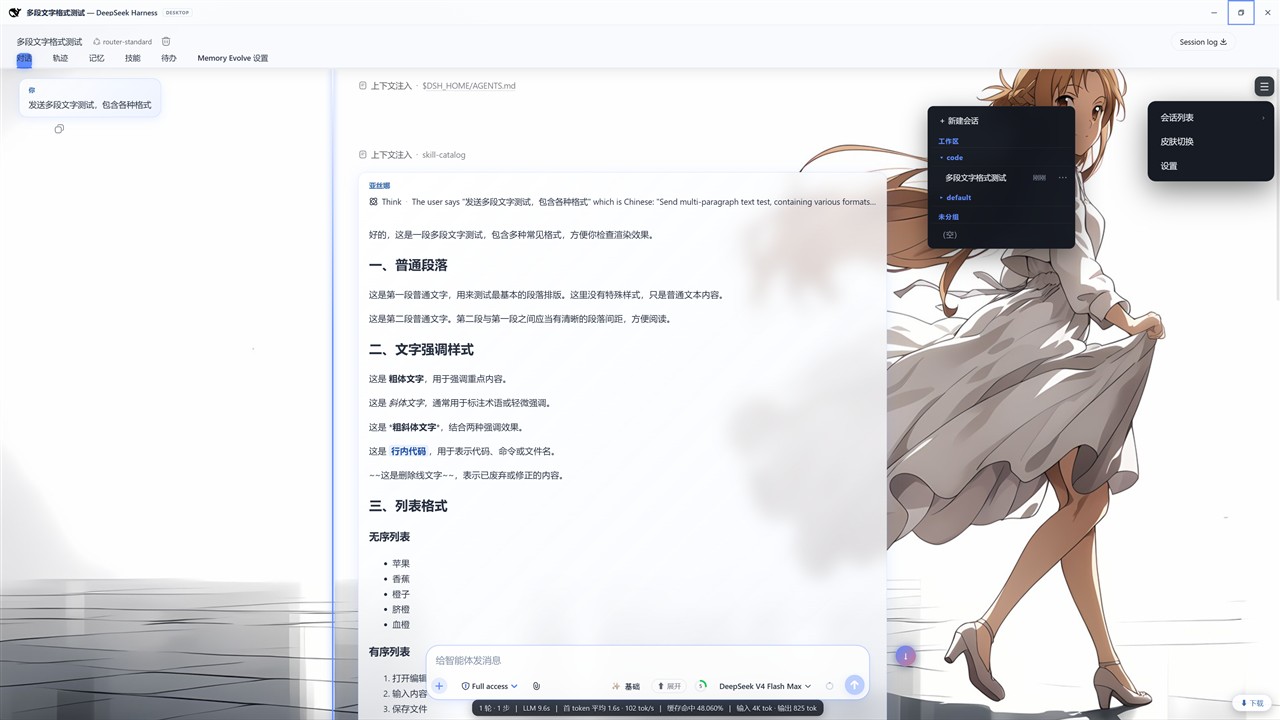 | 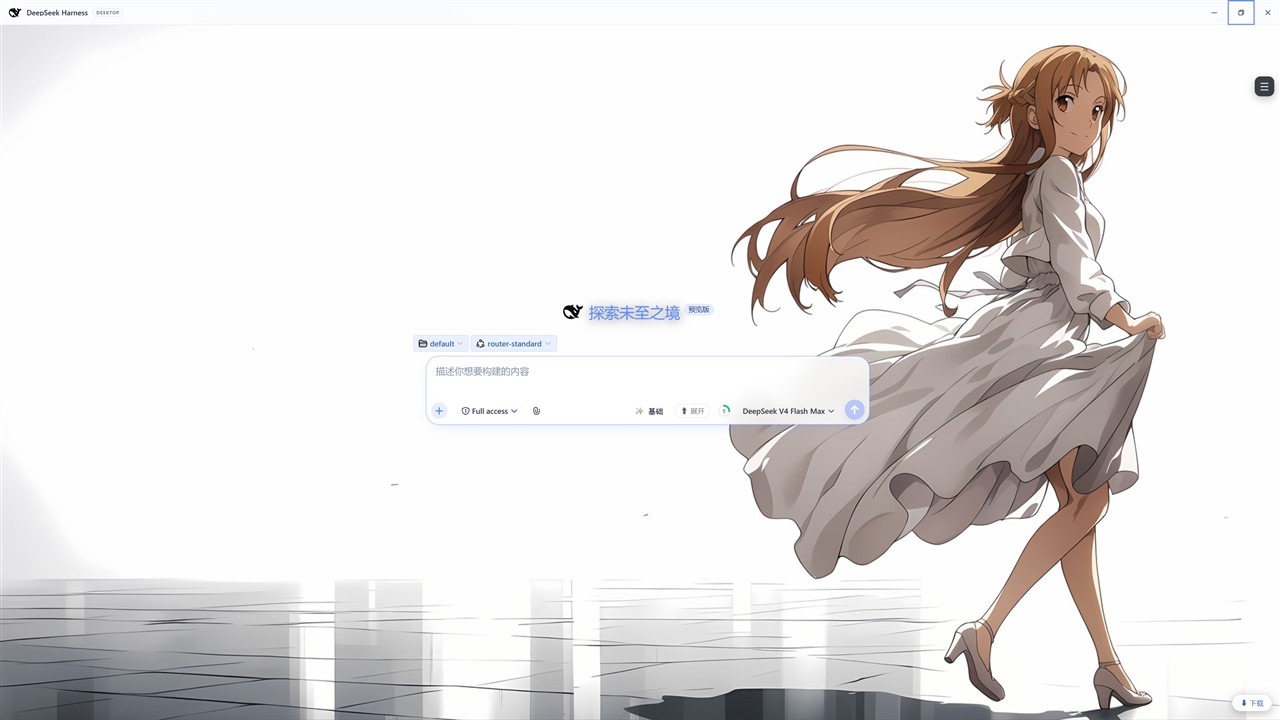 |
| 明日香 | 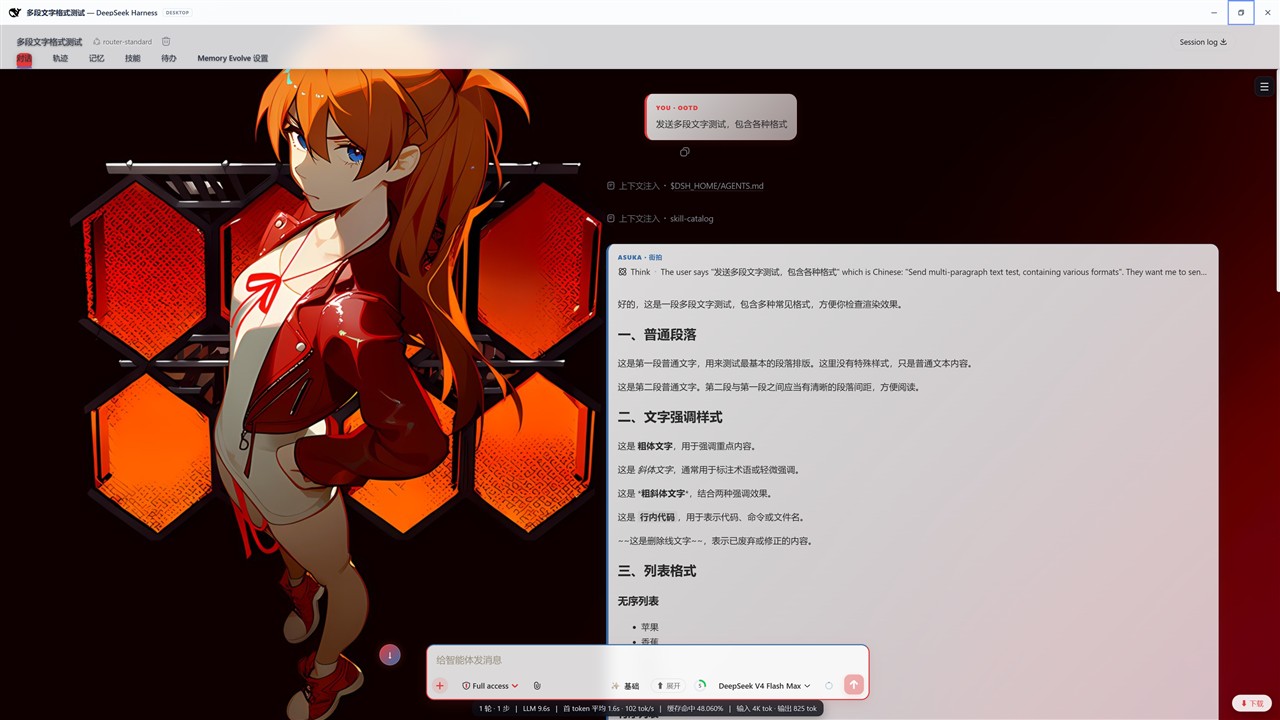 | 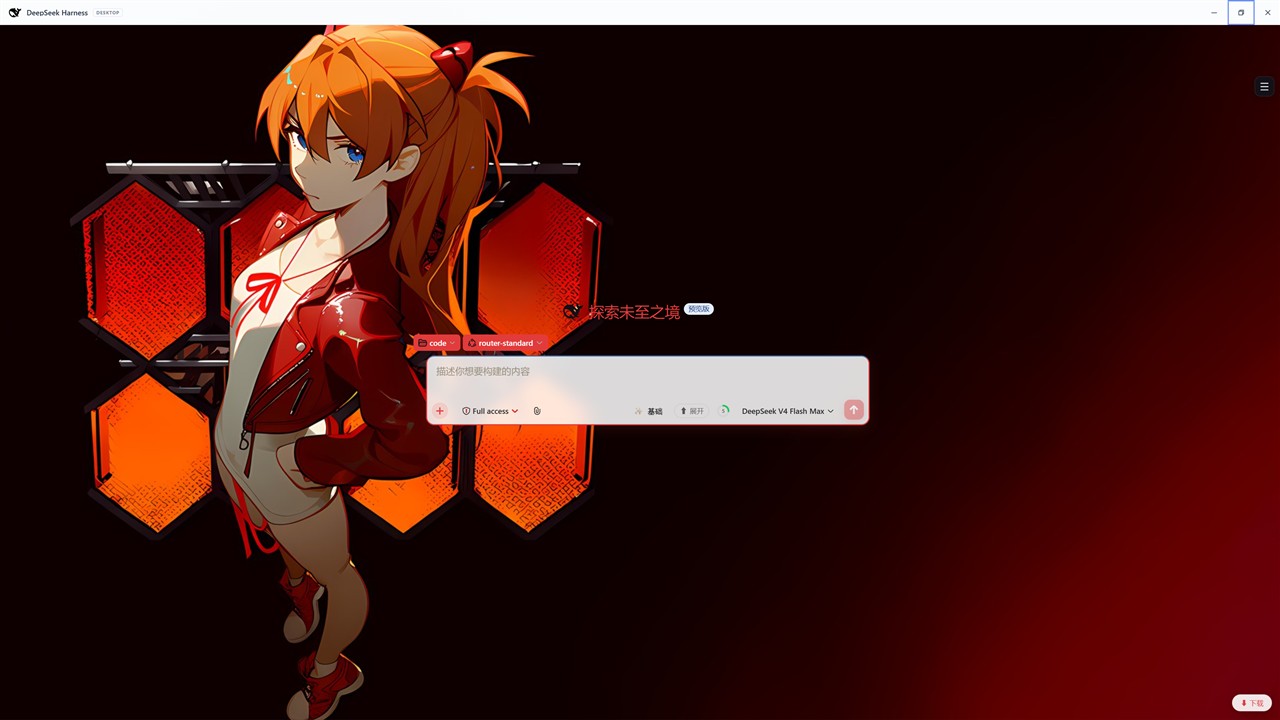 |
| 加藤惠 | 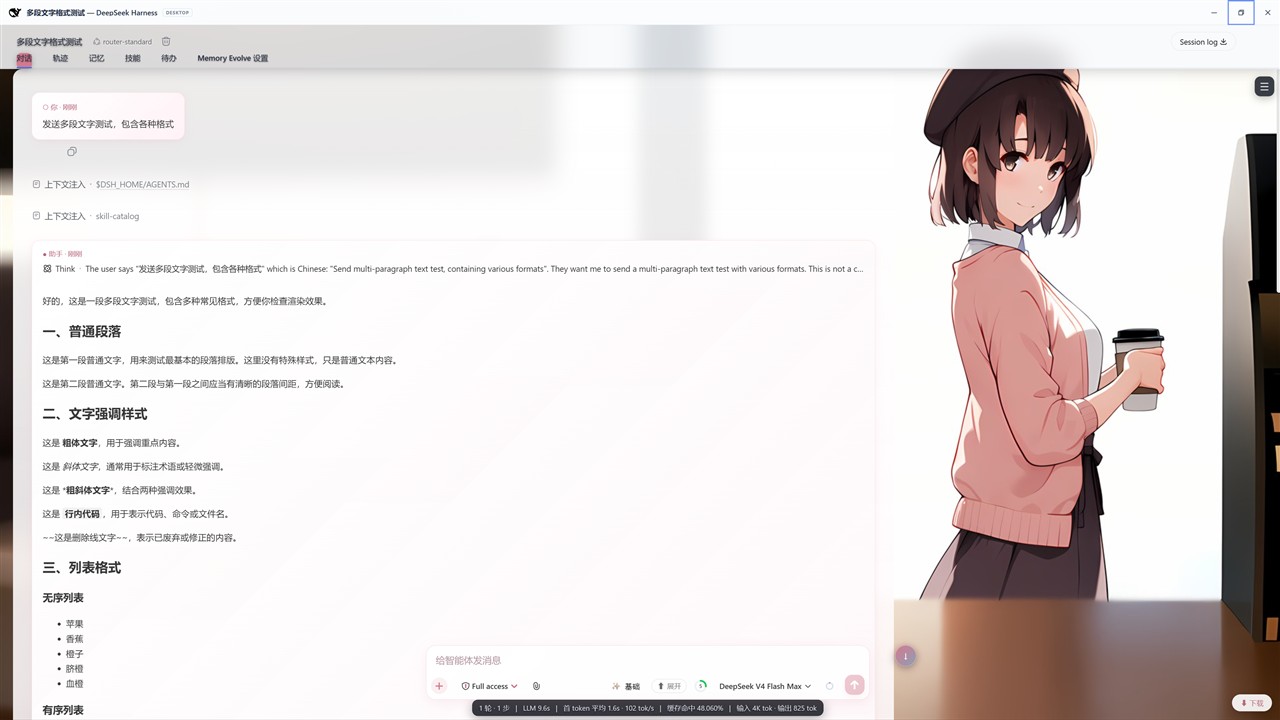 | 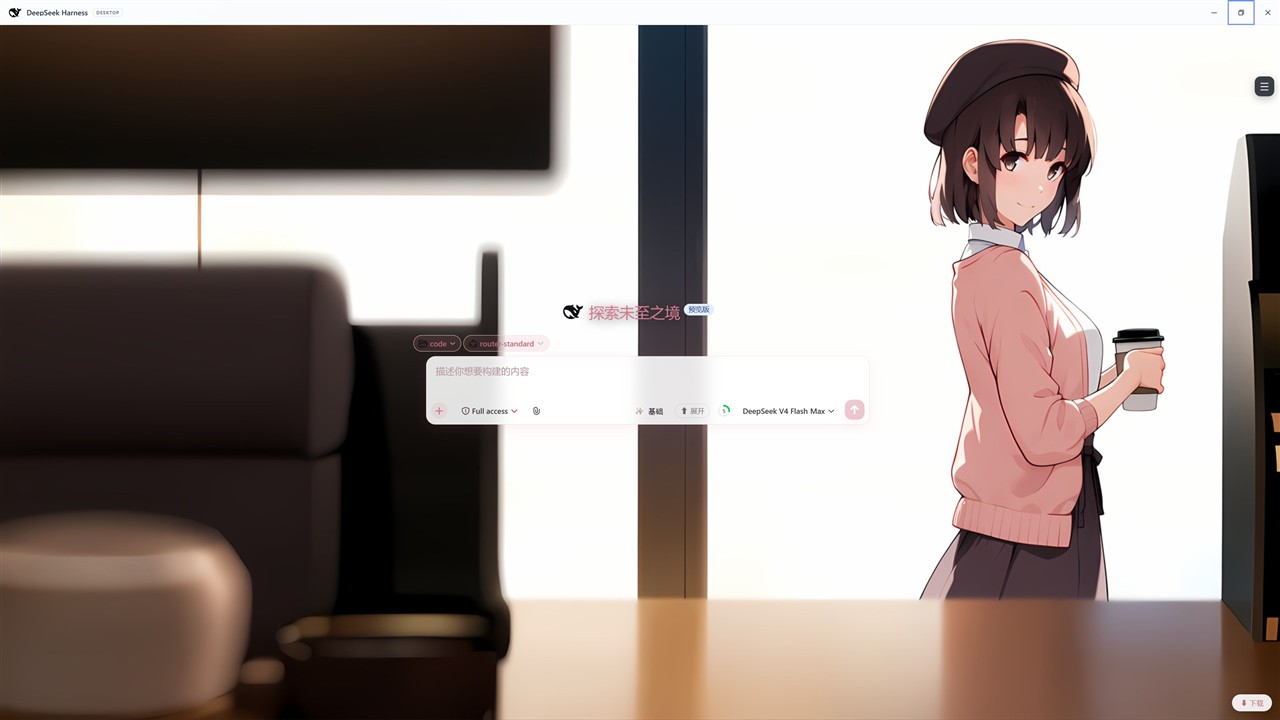 |
| 远坂凛 | 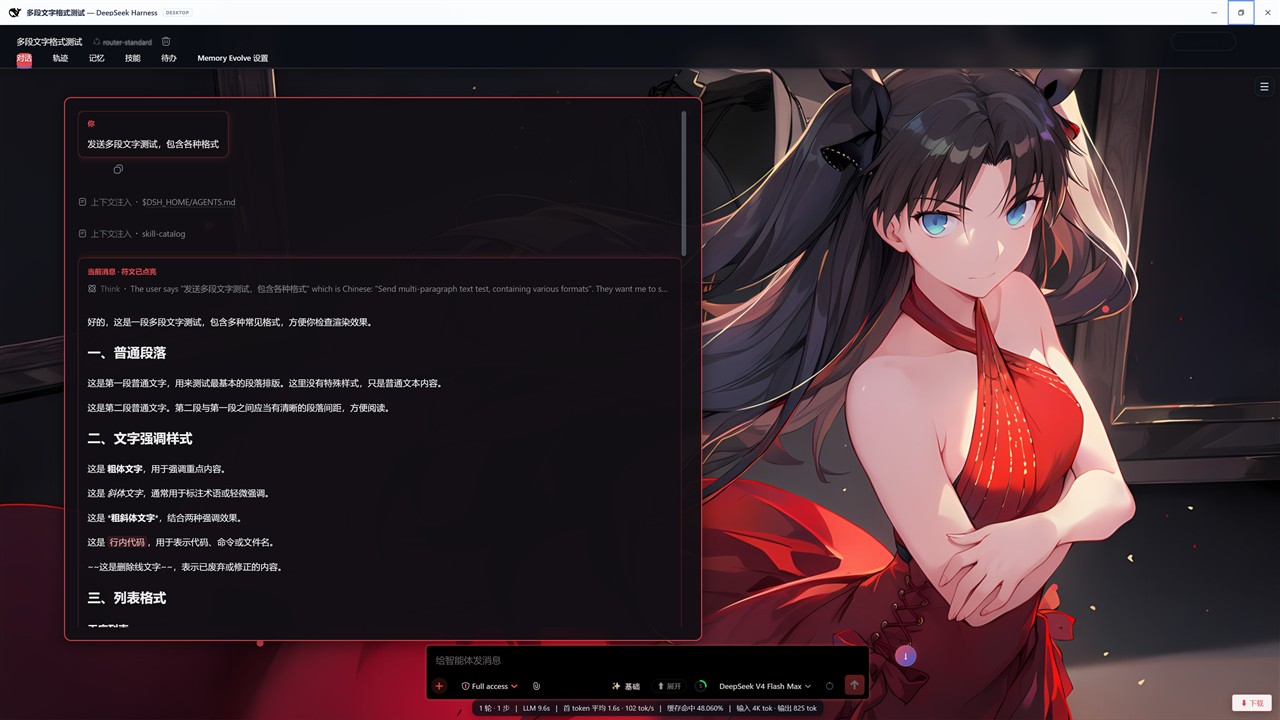 | 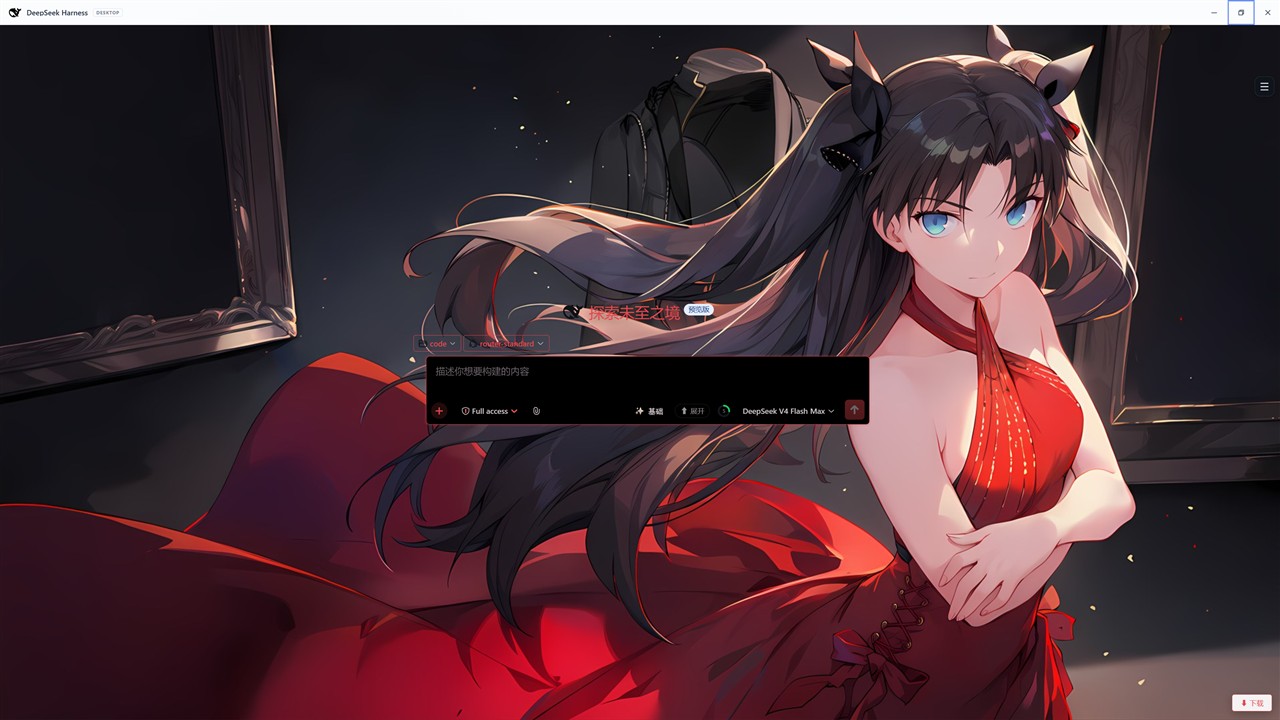 |
| 阿尔托莉雅 | 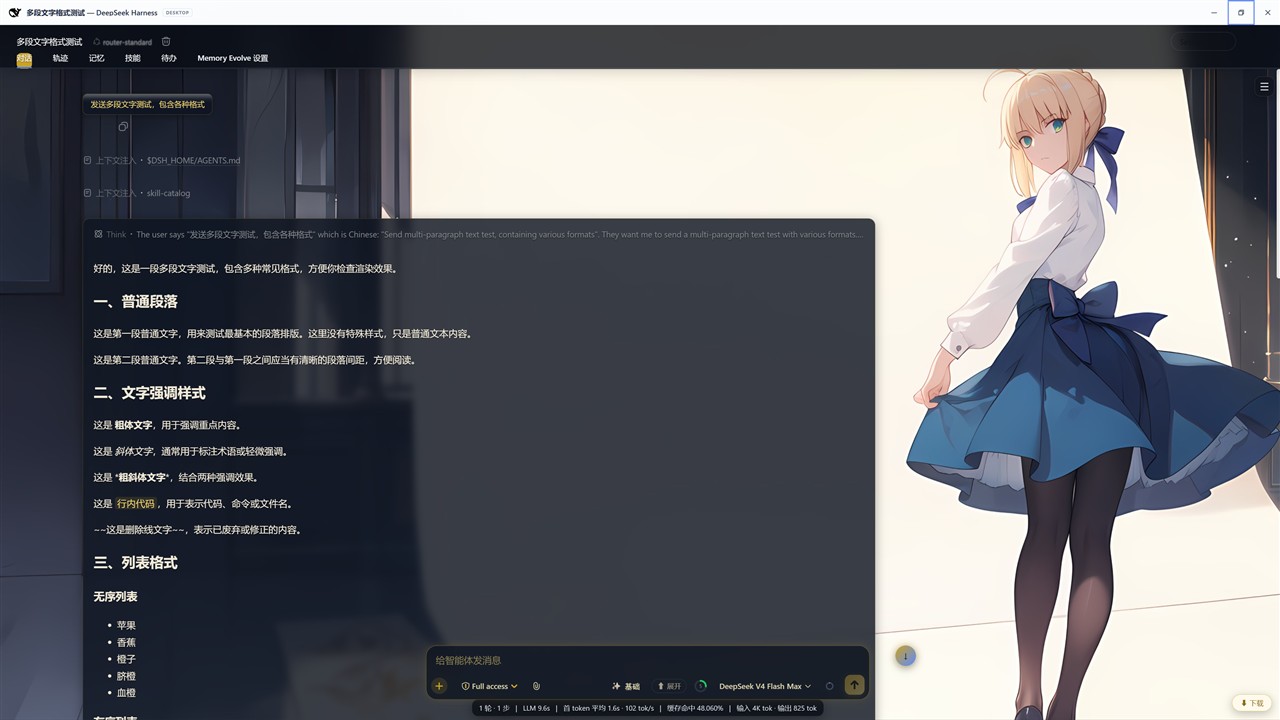 | 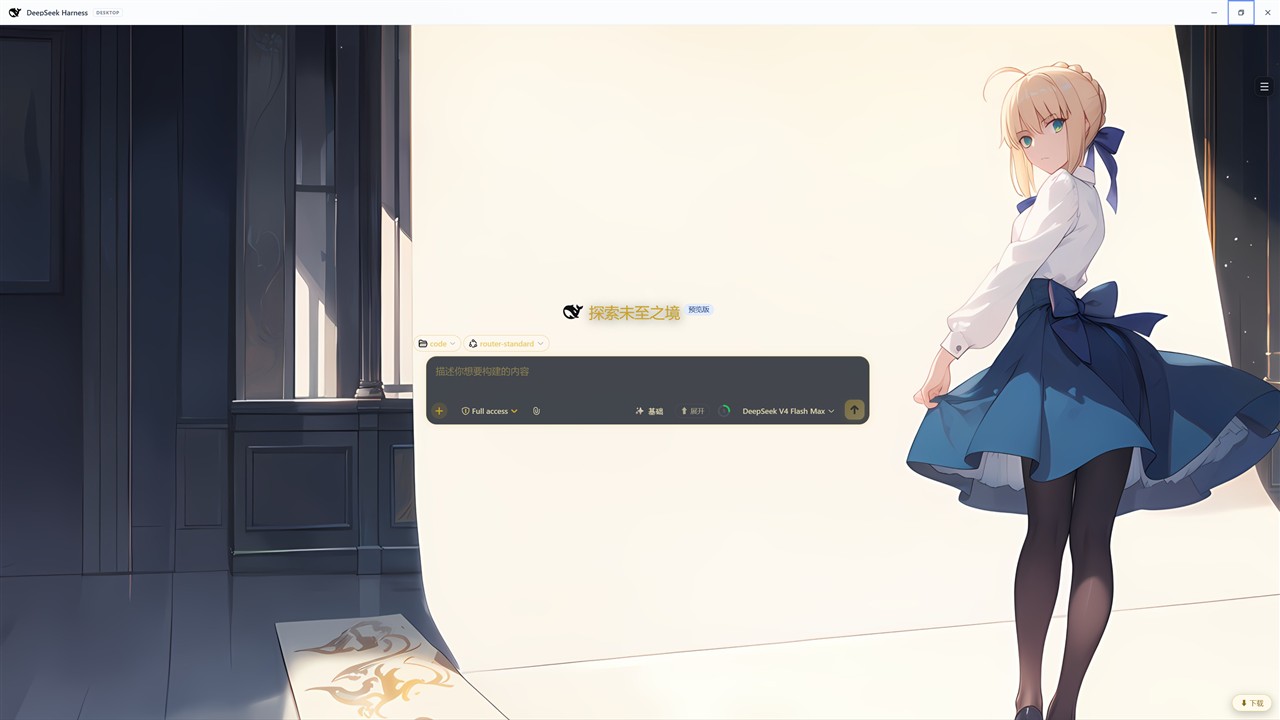 |
功能
- 6 套皮肤:经典 / 亚丝娜 / 明日香 / 加藤惠 / 远坂凛 / 阿尔托莉雅
- 浮动
☰菜单:会话列表(按工作区分组)、皮肤切换、打开原生设置 - 会话列表支持工作区展开/折叠,会话行右侧
⋯菜单(打开/重命名/归档)- 删除操作不包含在本插件内,由 DSH 核心或其它插件提供
- 回到底部主题按钮(按实际滚动容器定位)
- 皮肤选择持久化:cookie(host 级,跨随机端口重启恢复) + localStorage 兜底
- 主题适配:顶栏、输入条、下载胶囊/面板、加号命令菜单、底部统计行等 DSH 原生 UI
- 对部分其它插件暴露的按钮/标签仅做颜色覆盖,不实现或依赖其功能(见“与本插件实际相关的其它插件情况”)
要求
- DSH Web UI(桌面版内置浏览器或独立 Web UI 均可,本插件是浏览器端插件)
- 浏览器端客户端运行时:
@deepseek-ai/dsh-client-runtime - 实测环境版本:
@deepseek-ai/dsh-client-runtime >= 0.1.0-rc.6- 对应 DSH 构建:DeepSeek Harness Desktop 内置
0.1.0-rc.6客户端核心包 dsh.plugin.json中engines.dsh已设为>=0.1.0-rc.6
- 对应 DSH 构建:DeepSeek Harness Desktop 内置
安装
推荐通过 dsh plugin add 安装为普通 cordis 插件:
# 从本地目录
dsh plugin --profile web add ./dsh-anime-skins

# 从 npm 包(发布后)
dsh plugin --profile web add dsh-anime-skins

# 从 GitHub(建议 pin commit)
dsh plugin --profile web add "github:ZRTBdSS/dsh-anime-skins#<commit-sha>"
安装后配置 HMR 应自动生效;若没有即时生效,重启一次 DSH Web 端。
卸载
dsh plugin --profile web remove dsh-anime-skins
如果之前是手动 patch 安装,删除 cordis.patch.yml 中对应的 insert 行:
# 删除这段
- id: dsh-anime-skins
  name: dsh-anime-skins
  disabled: false
然后重启 DSH。
使用
- 安装并重启后,右上角会出现浮动
☰按钮。 - 点击
☰:- 会话列表:按工作区分组展示会话,点击工作区展开/折叠;右侧
⋯可打开/重命名/归档(删除由 DSH 核心或其它插件提供)。 - 皮肤切换:打开皮肤选择弹窗,点击卡片即切换并自动保存。
- 设置:打开 DSH 原生设置窗口(居中显示)。
- 会话列表:按工作区分组展示会话,点击工作区展开/折叠;右侧
- 会话滚动时,右下角会出现主题化“回到底部”按钮。
与本插件实际相关的其它插件情况
本插件只实现自己的皮肤/菜单/布局功能。下表只说明当前代码实际做了什么,不承诺“完整兼容”或提供其它插件自身的功能。
| 插件 | 本插件实际行为 |
|---|---|
| dsh-better-sidebar | 当前版本会隐藏其折叠浮层/面板(.W-zNGW_*),不保留右侧展开区域。如果你需要继续使用 better-sidebar,可能需要自行调整本插件的隐藏规则。 |
| dsh-usage-stats | 仅对 .usg_* 文字颜色做统一样式。由于本插件隐藏原生侧栏,其侧栏挂载点默认不可见;本插件没有实现“搬到底部统计行”的功能。 |
| dsh-prompt-enhancer / dsh-composer-expand / dsh-files 等输入条插件 | 仅对这些插件暴露在输入条中的按钮/模式标签做颜色覆盖(如 .dsh-enh-mode、.cpex-btn、.dsh-files-btn),不提供或依赖其功能。 |
| 其它 UI 插件 | 未做专门适配;如果出现视觉冲突,建议停用对应插件。单个 UI 插件停用不会破坏 DSH 启动。 |
目录结构
dsh-anime-skins/
├─ lib/
│  ├─ client.js        # 浏览器侧皮肤逻辑
│  ├─ index.js         # host 侧空插件入口
│  └─ index.d.ts       # 类型声明
├─ docs/
│  └─ images/          # 皮肤预览图
├─ .github/
│  ├─ workflows/       # CI 自动检查
│  └─ ISSUE_TEMPLATE/  # Issue 模板
├─ index.js
├─ package.json
├─ dsh.plugin.json
├─ cordis.patch.yml
├─ README.md
├─ CHANGELOG.md
├─ CONTRIBUTING.md
├─ SECURITY.md
└─ LICENSE
开发
npm run check # node --check lib/index.js 与 lib/client.js
lib/index.js:host 侧空插件入口lib/client.js:浏览器侧皮肤逻辑dsh.plugin.json:marketplace/hub 描述信息package.json:不声明dsh.bundle,保持 plain cordis 安装通道
FAQ
为什么不能作为 bundle 安装?
历史实测:把 dsh-anime-skins 加入 dsh.profile.bundles 会导致 DSH 启动失败(code=1)。因此本插件保持 plain cordis 安装通道,通过 cordis.patch.yml 插入行加载。
换皮肤后重启丢失?
本插件使用 cookie(host 级,不区分随机端口)+ localStorage 双重保存,正常重启会自动恢复。
会话列表里看不到全部会话?
首次打开会话列表会自动展开原生侧栏中的“其余 N 个会话”和工作区分组;如果仍看不到,请确认 DSH 侧栏数据已加载。
贡献
欢迎提交 Issue 和 PR,请先阅读 CONTRIBUTING.md。
安全
发现安全问题请阅读 SECURITY.md,不要公开提交漏洞。
License
Project files and signals
Shown items are public repository signals detected in the directory snapshot.
Repository information
- Language
- JavaScript
- License
- MIT
- Latest release
- v1.0.0
- Last updated
- Aug 16, 2026, 7:36 PM
Install deliberately
Review source code, permissions, lifecycle hooks, dependencies and network access. Test untrusted plugins in an isolated environment.